
About the Image Background Remover
This free background remover cuts the background out of a photo and gives you a transparent PNG — or the same subject on a plain colour. Upload the image, click once, pick a background, and download. It runs in your browser, so the photo is never uploaded.
The everyday uses are product photos for a listing, a clean headshot for a CV or LinkedIn, and a logo that needs its white box removed before going on a coloured page.
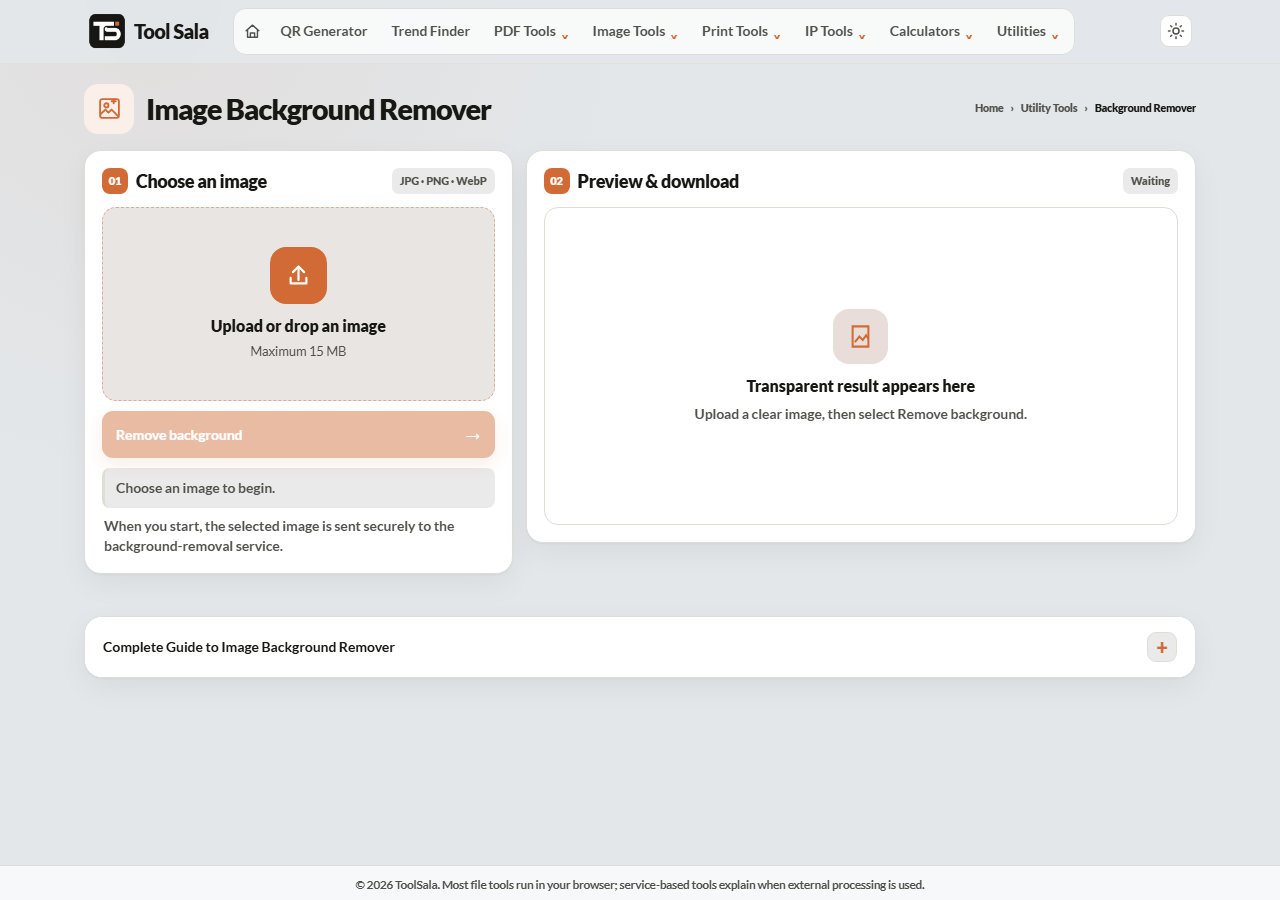
How to remove a background
- Drop your JPG, PNG or WebP image onto the upload area.
- Click Remove background and wait a moment.
- Choose a background: Transparent, White, Light blue, Light gray or Brand.
- Download either with the colour, or as a transparent PNG.
Which background to pick
- Transparent — for logos, and any image you will place onto another design.
- White — what Amazon, Flipkart and most marketplaces require for product photos.
- Light blue — the standard for passport and visa photographs in many countries.
- Light gray — a soft, professional look for profile pictures.
Download the transparent PNG as your master copy. From that one file you can place the subject on any colour later; a flattened white version cannot be undone.
Getting a clean cut
- Contrast helps most. A dark subject against a light background cuts cleanly.
- Hair and fur are hardest. Fine strands are where every tool struggles, including paid ones.
- Avoid busy backgrounds. A plain wall gives a far better result than a crowded room.
- Shoot in even light. Harsh shadows on the background confuse the edge detection.
- Start large. A high-resolution photo produces a more accurate edge than a small one.
Background Remover FAQs
Is this background remover free?
Yes. No account, no signup, no watermark on the result, and no limit.
Is my photo uploaded to a server?
No. The processing happens in your browser on your own device, which matters for personal photos.
Will the transparent background stay transparent?
Yes, as long as you download the PNG. If you convert that PNG to JPG afterwards the transparency becomes white, because JPG cannot store it.
Why are the edges around hair rough?
Fine hair is the hardest thing to separate from a background. Use a photo with strong contrast and plain surroundings for the best result.
Can I use it for a passport photo?
Yes — choose the light blue or white background. For the exact size and layout, use the passport photo maker.
Which formats can I upload?
JPG, PNG and WebP.
Related online tools
- Passport Photo Maker — correct size and layout for official photos.
- Photo Editor — crop and adjust before or after removing the background.
- Image Compressor — shrink the PNG while keeping transparency.
- PNG to WebP — smaller file, transparency intact.
- All image tools — the full list.