
About the Base64 to Image converter
This free Base64 to image converter turns a Base64 string back into a real picture file you can view and save. Paste the string, preview it, download the image. Everything runs in your browser, so nothing is uploaded.
Developers hit this constantly: an image arrives inside an API response, a database field or a log file as a wall of text, and you need to actually see what it is.
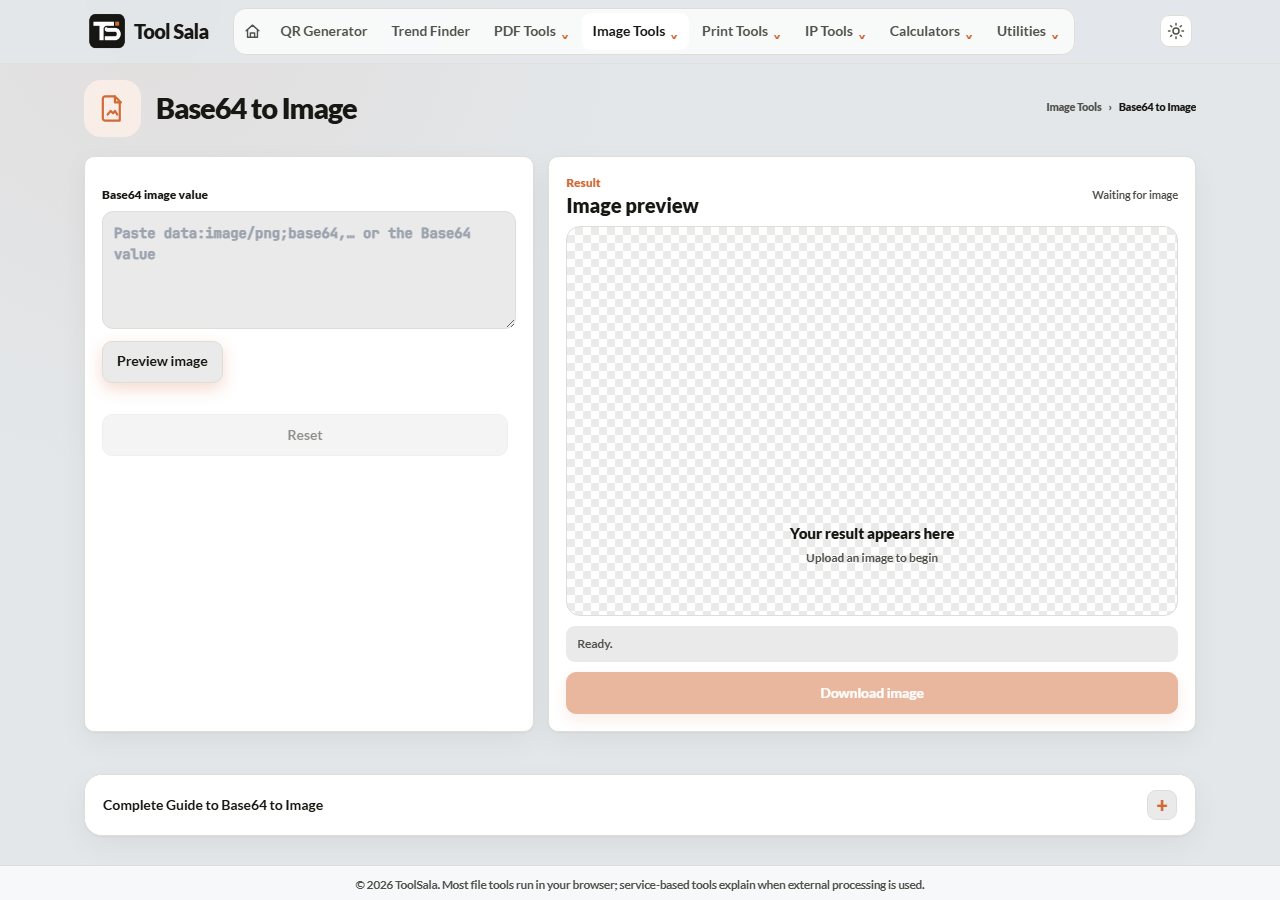
How to decode a Base64 string
- Paste your Base64 string into the box.
- Click Preview image to check it is valid.
- Click Decode image, then Download image.
- Reset clears everything for the next one.
What to paste
Both forms work. A full data URI looks like this:
data:image/png;base64,iVBORw0KGgoAAAANSU...
Or you can paste the raw string on its own, starting from iVBORw0KG.... The data:image/png;base64, prefix simply declares the file type, so including it helps.
When it will not decode
Almost every failure comes down to one of these:
- The string is truncated. Copying from a terminal or a log often cuts it off. Base64 must be complete.
- Line breaks got inserted. Some systems wrap long strings. Remove the newlines.
- It is URL-safe Base64. If you see
-and_instead of+and/, swap them back. - It is not an image. Base64 can encode anything — a PDF or a ZIP will decode, but not display as a picture.
Quick check: a real Base64 PNG almost always begins iVBORw0KG, and a JPEG begins /9j/.
Base64 to Image FAQs
Is this converter free?
Yes. No signup and no limit.
Is my string uploaded to a server?
No. Decoding happens in your browser, so it is safe for data from private systems.
Do I need to include the data:image prefix?
It is not required, but including it tells the tool the file type, so keep it if you have it.
Why does my string not produce an image?
Usually it is incomplete, has line breaks in it, or uses URL-safe characters. Check that it starts with iVBORw0KG for PNG or /9j/ for JPEG.
How large a string can I paste?
Large strings are fine — your device does the work, so its memory is the only limit.
Which format will I get back?
Whatever the original image was. Base64 carries the file unchanged, so a PNG comes back as a PNG.
Related online tools
- Image to Base64 — encode in the other direction.
- Photo Editor — edit the decoded image.
- Image Compressor — shrink it after decoding.
- All image tools — the full list.