
About the Merge PDF tool
This free tool lets you merge PDF files into one document, right in your browser. Add two files or twenty, put them in the order you want, and download a single combined PDF. Nothing is uploaded — the files stay on your device, which is why it finishes in seconds even on a slow connection.
That matters when the documents are personal. Bank statements, Aadhaar and PAN copies, medical reports and signed contracts are exactly the files you should not be handing to a random website.
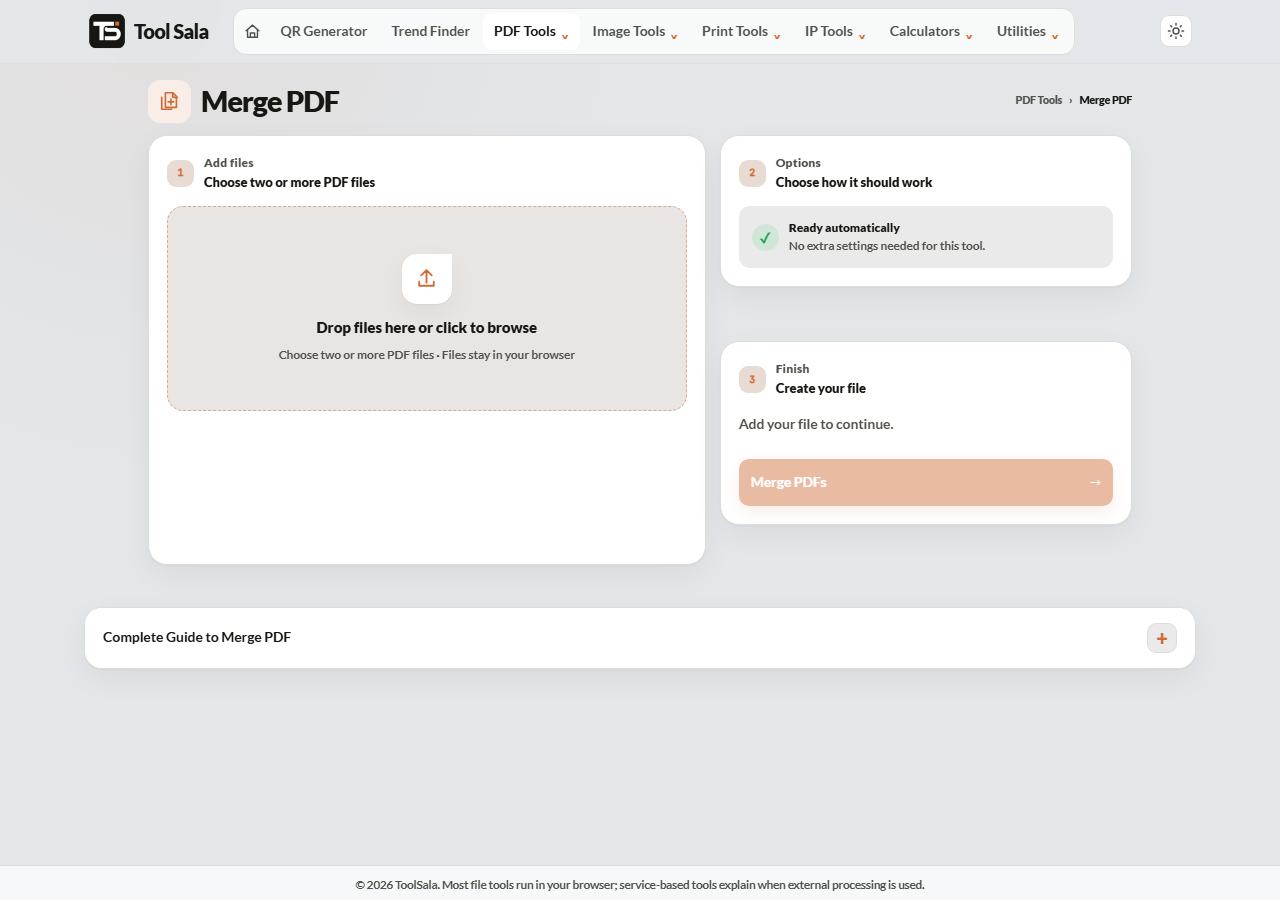
How to merge PDF files
- Drop your PDF files onto the upload area, or click to browse. Select several at once if you like.
- Check the order in the file list — the merged document follows this order top to bottom.
- Click Merge PDFs.
- Download the combined file.
Getting the order right
The single most common mistake is assuming files merge alphabetically or by the order you picked them in the file dialog. Always read the list before merging.
If you are combining scanned pages named scan1, scan10, scan2, computers sort them as 1, 10, 2. Rename them with leading zeros — scan01, scan02, scan10 — before you add them, and the order will be correct every time.
What merging does and does not change
- Quality stays the same. Merging copies pages across; it does not re-compress them.
- File size adds up. Three 2 MB files make roughly a 6 MB file. If there is an upload limit, compress afterwards.
- Page sizes are preserved. Mixing A4 and Letter pages gives a document with both sizes, which can look odd when printed.
- Password-protected PDFs will not merge. Remove the password first.
When you need this
- Combining scanned pages of one document that came out as separate files.
- Submitting an application where the portal accepts only one attachment.
- Putting invoices for a month into a single file for your accountant.
- Merging a signed page back into the original contract.
Merge PDF FAQs
Is this merge PDF tool free?
Yes. No account, no signup, no watermark on the output, and no limit on how many files you merge.
Are my PDFs uploaded to a server?
No. The merge happens inside your browser on your own device. Your files never leave your computer or phone.
How many PDFs can I merge at once?
There is no fixed limit, but very large batches use your device’s memory. On an older phone, merge in groups rather than fifty files at once.
Can I change the page order after merging?
Set the order before you merge — that is the simplest route. If you have already merged, re-add the files in the right order and merge again.
Will merging reduce the quality?
No. Pages are copied as they are. Text stays selectable and images keep their original resolution.
Why will my file not merge?
Almost always a password-protected or damaged PDF. Open it in a reader first — if it asks for a password, remove the protection and try again.
Related online tools
- Split PDF — pull specific pages back out of a merged file.
- Compress PDF — shrink the merged file if it is too large to upload.
- Rotate PDF — fix pages that scanned in sideways.
- Images to PDF — turn photos into a PDF before merging.
- All PDF tools — the full list.