
About the Document Writer
This free online document writer lets you write a formatted document in your browser and export it as a PDF — no Word, no Google account, no installation. Type, format, print or download.
It handles both Hindi and English, with page-aware formatting so what you see matches what comes out of the printer. Everything stays on your device.
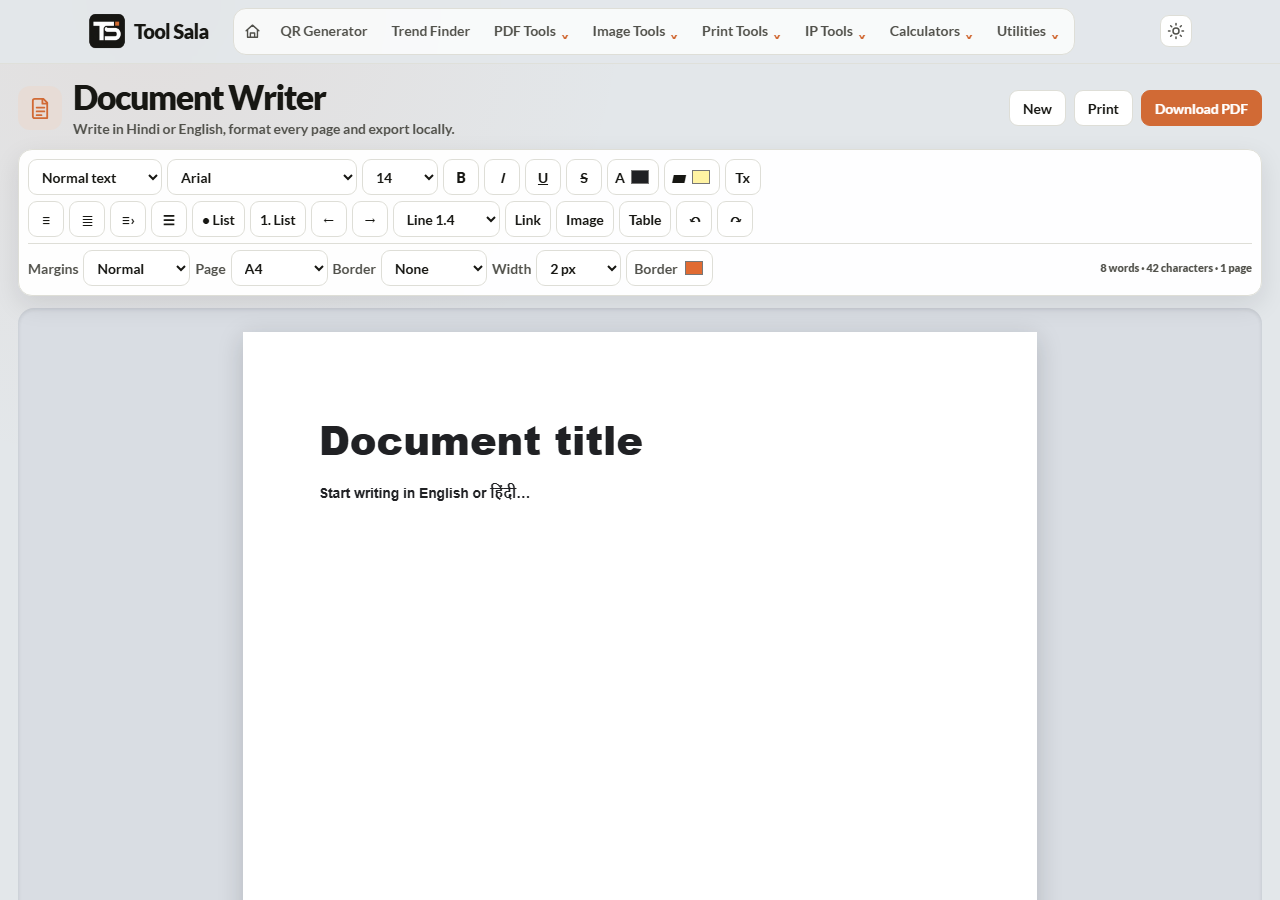
How to write a document
- Click New to start a blank document.
- Type your content, or paste it in.
- Format with the toolbar — bold, italic, underline, strikethrough, text size, alignment, and bulleted or numbered lists.
- Insert an image if you need one (PNG, JPG or WebP).
- Download PDF, or Print straight from the browser.
What it is good for
- A letter or application you need as a PDF today, on a computer with no Office installed.
- Notice boards and circulars — type it, print it, done.
- Hindi documents, where copying between apps often breaks the text.
- Quick notes that have to end up as a shareable PDF rather than a text message.
It is deliberately not a replacement for Word. There are no track changes, no comments and no collaboration — it exists for the single-document, need-it-now case.
Writing in Hindi
Devanagari text needs a font that supports it and line spacing that leaves room for the matras above and below. The editor handles both, which is why Hindi pasted here usually looks correct when it comes out clipped elsewhere.
Use your system’s Hindi keyboard, or type in Google Input Tools and paste the result in.
Getting a clean PDF
- Keep paragraphs short. Long blocks break awkwardly across pages.
- Check the page breaks in the preview before downloading, especially after adding an image.
- Compress images first — a 5 MB photo makes a 5 MB PDF. Run it through the image compressor first.
- Use the built-in lists rather than typing dashes, so the indentation survives the export.
Document Writer FAQs
Is the document writer free?
Yes. No signup, no watermark on the PDF, and no limit.
Is my document uploaded anywhere?
No. Everything is written and exported inside your browser. Nothing is sent to a server or stored.
Does it support Hindi?
Yes. Hindi and English both work, with formatting that keeps Devanagari text readable in the exported PDF.
Is my work saved if I close the tab?
No. Nothing is stored, so download the PDF before you leave the page.
Can I add images?
Yes — PNG, JPG or WebP. Compress large photos first to keep the PDF small.
Can I export to Word instead?
Not directly. Download the PDF and use the PDF to Word converter if you need an editable file.
Can two people edit together?
No. It is a single-user editor with no collaboration features.
Related online tools
- PDF to Word — convert the exported PDF into an editable document.
- Compress PDF — shrink the finished file.
- Convert Case — fix capitalisation in your text.
- Invoice Generator — for invoices specifically.
- All online tools — the full list.