
About the Discount Calculator
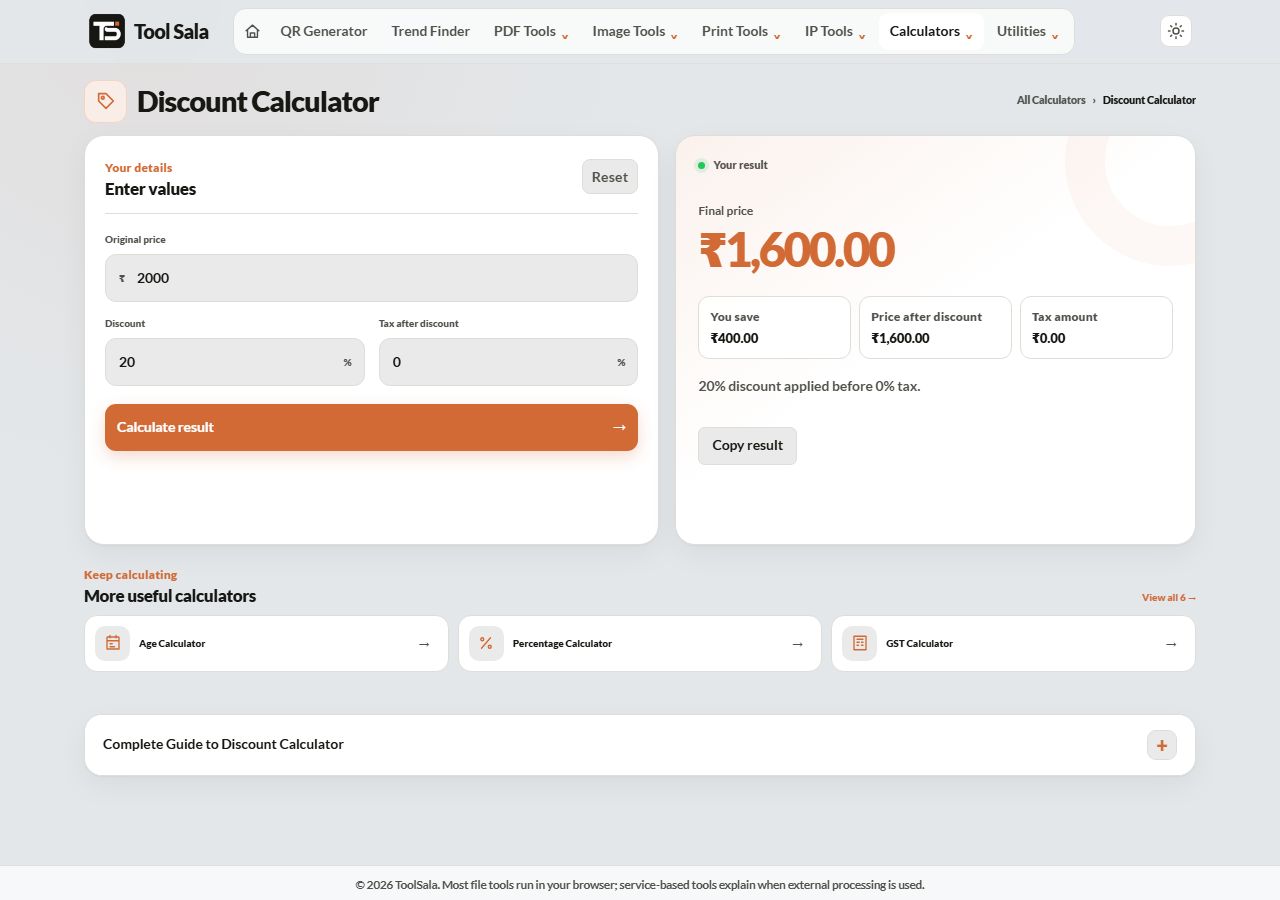
This free discount calculator shows the real price after a discount, and the tax on top of it. Enter the original price, the discount percentage and the tax rate that applies after the discount — you get the amount saved and the final figure you will actually pay.
That third field is the one most calculators leave out, and it is exactly where shop bills surprise people. A 40% discount followed by 18% GST does not mean you pay 40% less than the tag.
How to calculate a discount
- Enter the Original price in rupees — the tag or MRP.
- Enter the Discount as a percentage.
- Enter the Tax after discount percentage if tax applies. Leave it at zero if the price already includes tax.
- Click Calculate result.
The order matters: discount first, then tax
Tax is charged on the discounted price, not the original. Take a ₹2,000 item at 25% off with 18% GST:
- Discount: 25% of 2,000 = ₹500, so the price becomes ₹1,500.
- GST: 18% of 1,500 = ₹270.
- You pay ₹1,770.
If tax were charged first the bill would come to ₹1,770 as well in this simple case — but the moment a second discount or a cap enters the picture the order changes the answer. Discount first is how Indian retail bills are built, and how this calculator works.
Why “50% + 20% off” is not 70% off
Stacked discounts apply one after another, each on the reduced price:
- ₹1,000 with 50% off → ₹500.
- Then 20% off ₹500 → ₹400.
- That is 60% off, not 70%.
To work out a stacked offer, run the calculator twice — feed the first result in as the original price the second time.
Reading offers honestly
- “Up to 70% off” — one item in the store is 70% off. Most are far less.
- “Buy 2 get 1 free” — that is 33% off, not 50%.
- “Flat 50% off” — check whether it applies to MRP or an already inflated price.
- Convenience and delivery fees — added after tax, and not part of any discount.
Discount Calculator FAQs
Is this discount calculator free?
Yes. No signup, no limit, and it works on phone and desktop.
Is tax applied before or after the discount?
After. The discount reduces the price first, and tax is charged on that reduced amount — which is how Indian retail invoices are prepared.
How do I calculate two discounts together?
Apply them one at a time. Calculate the first discount, then use that result as the original price for the second. Two 20% discounts equal 36% off, not 40%.
What if the price already includes tax?
Leave the tax field at zero. To find the tax hidden inside an inclusive price, use the GST calculator in remove mode.
Is “buy 2 get 1 free” the same as 50% off?
No. You pay for two items and receive three, so you save one item’s price out of three — about 33%.
Is anything I enter stored?
No. Everything is calculated in your browser and nothing is sent to a server.
Related online tools
- GST Calculator — add or remove GST at Indian rates.
- Percentage Calculator — quick percentage work.
- Invoice Generator — put the discounted figures on a proper invoice.
- EMI Calculator — if you are paying in instalments.
- All calculators — the full list.