
About the ABHA Card Print tool
This free tool crops your ABHA card — the Ayushman Bharat Health Account card — from its downloaded PDF and lays it out at the correct card size for printing. It opens protected files, trims the card from the page, and builds a print-ready A4 sheet.
The file never leaves your device. Your ABHA card carries your health ID, so the cropping is done entirely inside your browser with nothing uploaded to a server.
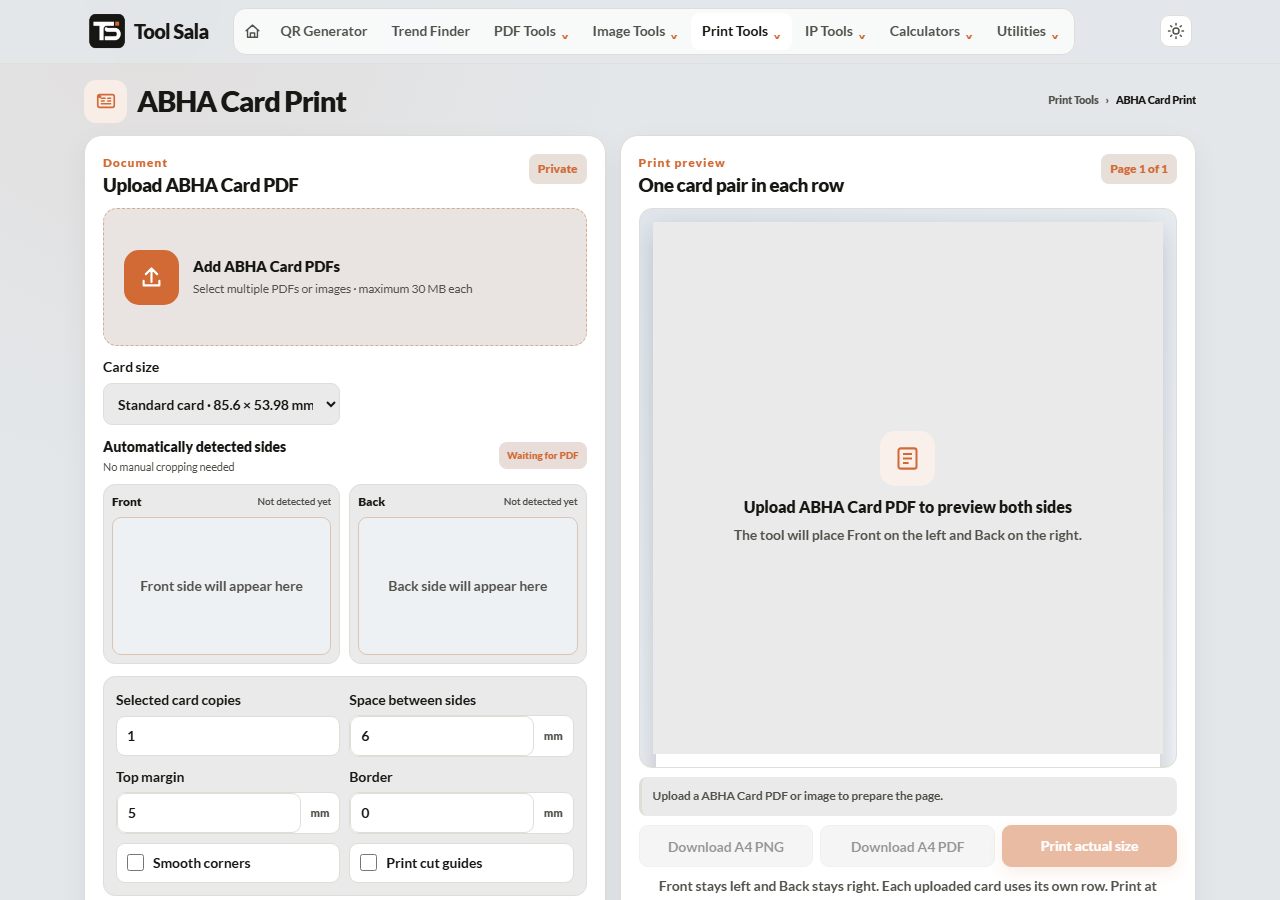
How to print your ABHA card
- Download your ABHA card PDF from the official ABHA or ABDM portal, or the ABHA app.
- Add the file here. Enter the PDF password if it is protected and click Unlock & add.
- Choose the print size — Standard card · 85.6 × 53.98 mm for a wallet card, or Large copy · 100 × 63 mm to keep it readable.
- Set copies, spacing, top margin, border and smooth corners.
- Click Refresh A4 preview, then Download A4 PDF or Print actual size.
Why a printed ABHA card is useful
Your ABHA number links your health records across participating hospitals and clinics. A printed card in your wallet means the reception desk can read the number straight off it instead of you hunting through an app on a weak signal — which is exactly the situation you do not want to be in at a hospital.
- Keep one copy in your wallet and one in your household document file.
- The Large copy size is easier for older family members to read.
- Print a set for everyone in the family at once.
Printing it properly
- Set the printer to Actual size / 100% — “Fit to page” will change the dimensions.
- Thick matte paper survives a wallet far better than ordinary printer paper.
- For a long-lasting card, take the downloaded A4 PDF to a shop for lamination.
ABHA Card Print FAQs
Is this tool free?
Yes. No signup, no watermark, and no limit.
Is my ABHA PDF uploaded to a server?
No. It is opened and cropped inside your browser on your own device.
What size should the printed card be?
85.6 × 53.98 mm — the standard card size — so it fits a wallet slot. Use the Large copy option if you want it easier to read.
My PDF asks for a password. What is it?
It depends on how you downloaded it; the portal states the format when you download. Enter it in the password field and click Unlock & add.
Why is my print the wrong size?
The printer scaled the page. Select Actual size or 100% in the print dialog.
Is a printed ABHA card officially accepted?
It is a convenience copy of your health ID. Hospitals generally accept the number, but whether a self-printed card is accepted as proof is the facility’s decision — keep the digital version in the ABHA app as well.
Related online tools
- All-in-One Card Printer — ABHA, Aadhaar, PAN and Voter cards together.
- Aadhaar Card Crop and Print — same tool for e-Aadhaar.
- Split PDF — pull out a single page first.
- Merge PDF — keep family documents in one file.
- All print tools — the full list.