
About the Invoice Generator
This free invoice generator creates a professional PDF invoice you can send straight to a client. Fill in your details, add line items, set the currency and tax, and download the PDF. Everything runs in your browser — your client list and figures are never uploaded.
It is built for freelancers, small shops and consultants who need a clean invoice occasionally and do not want a monthly subscription for it.
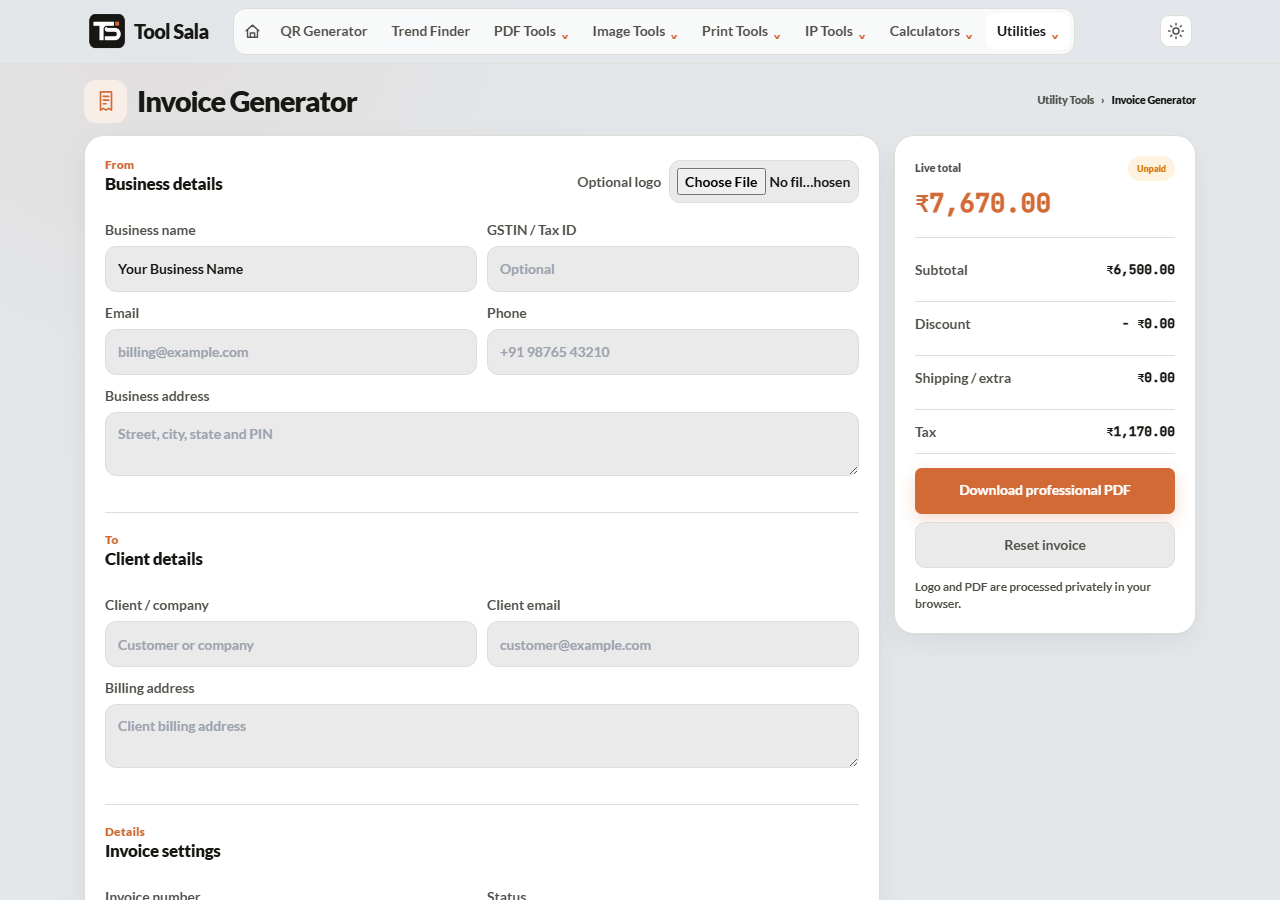
How to create an invoice
- Fill in your business details and your client’s details.
- Upload your logo (PNG or JPG) if you have one.
- Click + Add item for each line — description, quantity and rate.
- Choose the currency: INR, USD, EUR, GBP or AED.
- Set a discount as a percentage or a flat amount, and add tax.
- Pick the payment status: Unpaid, Paid, Draft or Overdue.
- Click Download professional PDF.
Using the payment status
- Unpaid — the normal state when you first send it.
- Paid — send this version as a receipt once the money arrives. Clients often need it for their own books.
- Draft — for a quote or an estimate you are still discussing.
- Overdue — a clear, unambiguous reminder. Marking it plainly works better than another polite email.
What makes an invoice get paid
- A unique invoice number. Sequential and never repeated — your accountant and theirs both need it.
- A due date, not “immediately”. A specific date creates an obligation; “on receipt” does not.
- Clear line items. “Website work — ₹40,000” invites questions. Itemised work does not.
- Payment details on the invoice. Bank account, UPI ID or a QR code, right there.
- Correct tax. If you are GST registered, the rate and your GSTIN must appear.
Work out the tax figures with the GST calculator before you fill the form, and add a payment QR code so the client can pay from their phone.
Invoice Generator FAQs
Is this invoice generator free?
Yes. No signup, no watermark on the PDF, and no limit on how many invoices you create.
Is my client data uploaded anywhere?
No. The invoice is built in your browser on your own device. Nothing is stored or transmitted.
Which currencies are supported?
INR, USD, EUR, GBP and AED.
Can I add GST?
Yes — enter the tax rate and it appears on the invoice. Include your GSTIN in your business details if you are registered.
Can I add my logo?
Yes. Upload a PNG or JPG. A transparent PNG looks cleanest — use the background remover if yours has a white box.
Are my invoices saved for next time?
No. Nothing is stored, so keep the downloaded PDFs yourself. That is also why your data stays private.
Can I apply a discount?
Yes, either as a percentage or a flat amount.
Related online tools
- GST Calculator — get the tax figures right first.
- QR Code Generator — add a payment QR to the invoice.
- Discount Calculator — check the discounted total.
- Merge PDF — combine invoices for your accountant.
- All utility tools — the full list.