
About the Password Generator
This free password generator creates a strong random password of any length from 6 to 64 characters. Set the length, click generate, copy it. The password is produced inside your browser using your device’s cryptographic random number generator — it is never sent anywhere and never stored.
The reason to use a generator is simple: humans are bad at randomness. We reach for names, birthdays, keyboard patterns and a “!” on the end — and those are exactly the patterns cracking tools try first.
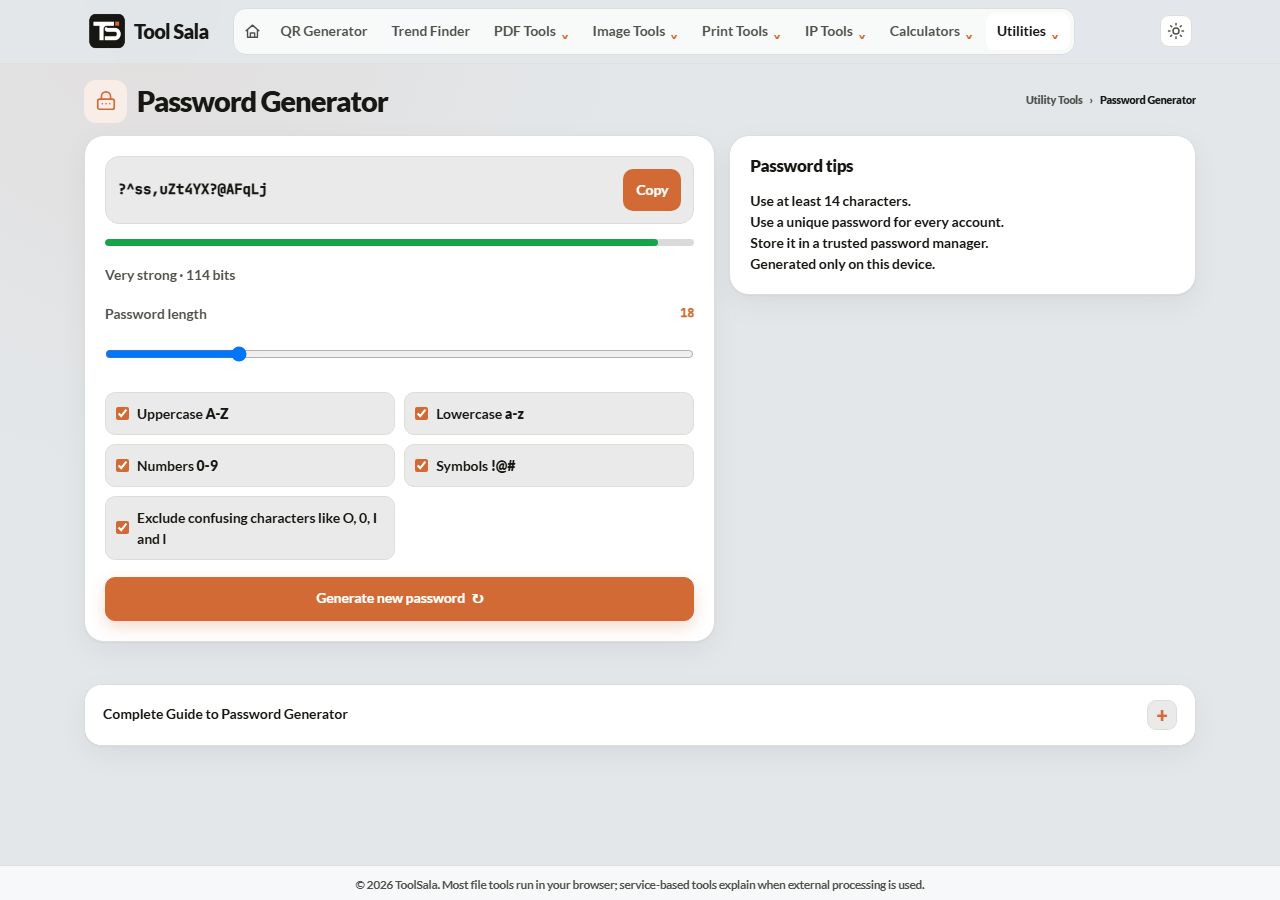
How to generate a password
- Move the length slider to the number of characters you want.
- Click Generate new password until you get one you are happy with.
- Click Copy and paste it straight into the site you are signing up to.
What length should you choose?
Length matters far more than complexity. Every extra character multiplies the number of possibilities:
- 8 characters — no longer safe. Modern hardware works through these quickly.
- 12 characters — the practical minimum for anything ordinary.
- 16 characters — a sensible default for email, banking and anything with your money in it.
- 24 or more — for password manager master passwords and admin accounts.
A 16-character random password is vastly stronger than an 8-character one with a symbol crammed in. If a site allows it, go longer.
Using passwords safely
- Never reuse one. Reuse is how a breach at one site becomes a breach at all of them.
- Use a password manager. Nobody remembers forty random strings, and writing them in a notes app is worse.
- Turn on two-factor authentication. It protects you even if the password leaks.
- Change it only when there is a reason. Forced monthly changes push people towards weak, predictable patterns.
- Never send a password over WhatsApp or email. Those messages stay on servers and devices.
Password Generator FAQs
Is this password generator free?
Yes. No signup, and no limit on how many passwords you generate.
Is the password sent to a server?
No. It is generated locally in your browser and never transmitted, logged or stored anywhere.
Is it genuinely random?
Yes. It uses your browser’s cryptographic random source, which is built for exactly this purpose — not the simple random function used for things like shuffling a list.
How long should my password be?
At least 12 characters, and 16 or more for email, banking and anything holding money.
Will I be able to remember it?
No — and you should not try. Use a password manager. The only password worth memorising is the one that unlocks it.
Can two people get the same password?
At 16 characters the number of combinations is astronomically large. A collision is not something to worry about.
Related online tools
- Hash Generator — SHA-256 and other hashes for text or files.
- Email Validator — check an address before signing up.
- VPN and Proxy Detector — check a connection’s risk.
- All utility tools — the full list.