
About the PNG to WebP converter
This free PNG to WebP converter turns a PNG into the smallest modern image format — and unlike JPG, it keeps your transparency. Upload the file, set the quality, download the WebP. It all happens in your browser.
WebP is the format to use on a website. A PNG logo that weighs 400 KB commonly lands around 40 KB as WebP, with the transparent background intact. That is the single easiest page-speed win most sites never take.
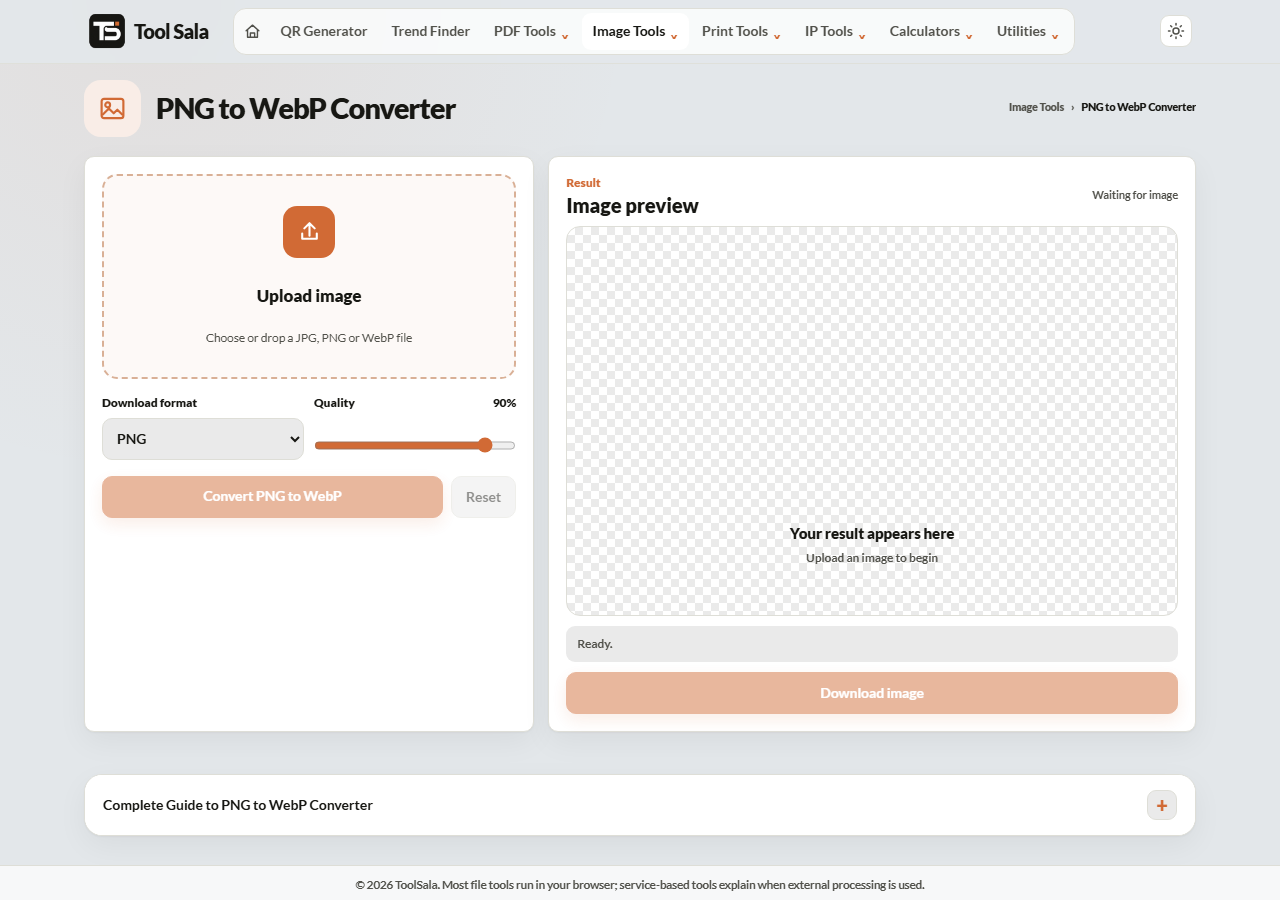
How to convert PNG to WebP
- Drop your PNG onto the upload area, or click to choose it.
- Set Download format to WebP.
- Adjust the Quality slider — 90% keeps it visually identical.
- Click Convert PNG to WebP and download.
Why WebP beats both PNG and JPG
- Smaller than JPG at the same visible quality, typically by 25–35%.
- Much smaller than PNG, often by 70% or more.
- Keeps transparency, which JPG cannot do at all.
- Handles both photographs and flat graphics well.
Practically, WebP does the job of PNG and JPG together, at a smaller size than either.
When not to use WebP
Support is excellent in browsers — Chrome, Firefox, Safari and Edge have all handled WebP for years. The gaps are elsewhere:
- Some government and bank upload portals only accept JPG or PNG.
- Older desktop software and a few printers do not recognise it.
- A few WhatsApp and email clients handle it awkwardly.
Rule of thumb: WebP for your website, JPG or PNG for anything you have to upload or send to someone else.
PNG to WebP FAQs
Is this PNG to WebP converter free?
Yes. No signup, no watermark, and no conversion limit.
Is my image uploaded to a server?
No. The conversion runs in your browser on your own device.
Does WebP keep the transparent background?
Yes. This is the main reason to pick WebP over JPG for logos and icons.
Will WebP work on all browsers?
Every current browser supports it. Very old browsers do not, but their share is now negligible.
How much smaller will the file be?
Typically 60–80% smaller than the PNG, depending on the image. Flat graphics and screenshots save the most.
Can I convert WebP back to PNG?
Yes, with the WebP to PNG converter.
Related online tools
- WebP to PNG — convert back when a portal demands PNG.
- PNG to JPG — when transparency does not matter.
- JPEG to WebP — convert photographs to WebP.
- Image Compressor — batch convert and shrink many files at once.
- All image tools — the full list.