
About the VPN, Proxy and Tor Detector
This free tool checks whether an IP address looks like a VPN, a proxy, a Tor exit node or a data-centre connection rather than an ordinary home or mobile one. Check your own connection, or look up any address you have been given.
It answers two different questions. If you run a website or a shop, it tells you whether an order or a signup came through a masked connection. If you use a VPN yourself, it tells you whether your VPN is actually hiding you — or leaking.
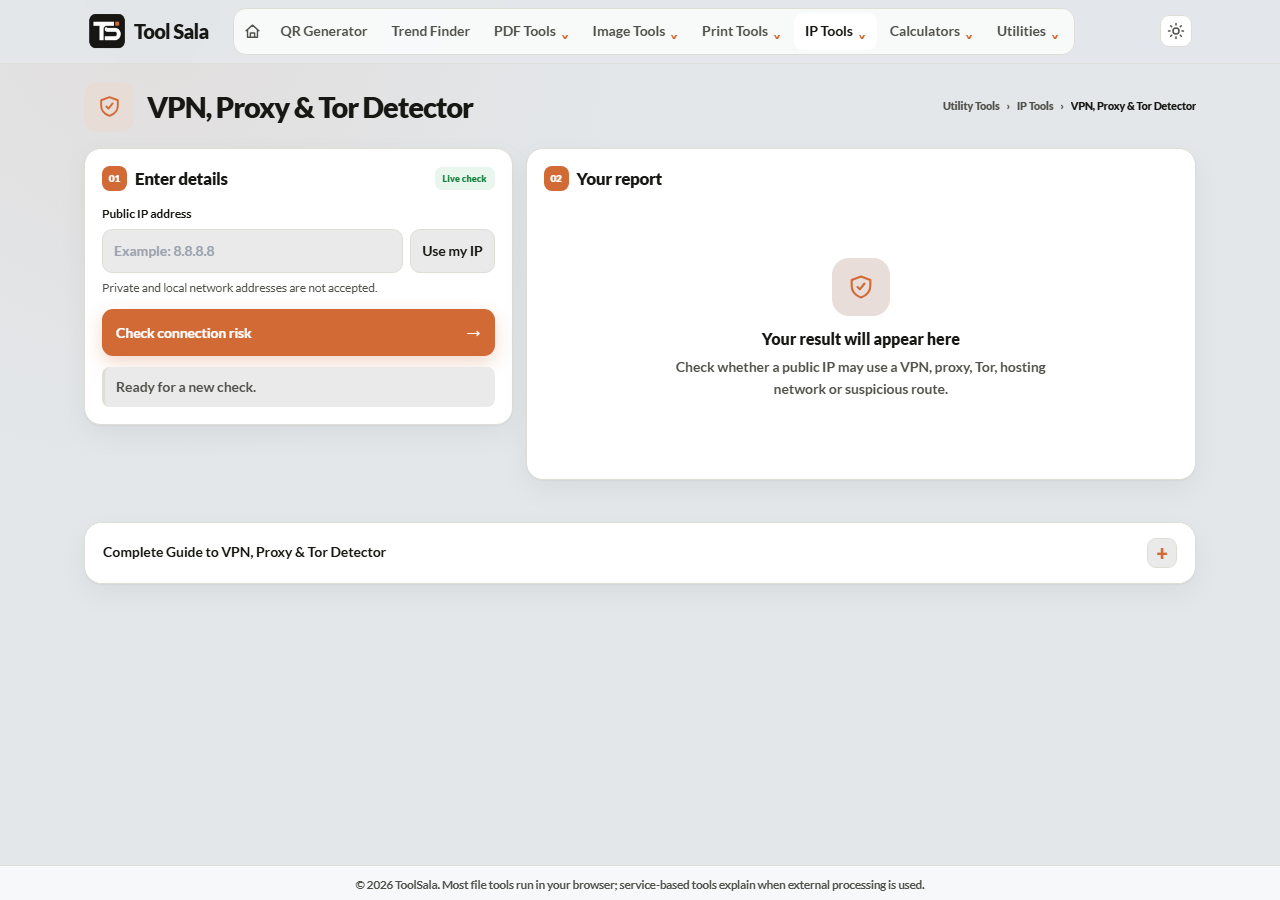
How to check a connection
- Click Use my IP to test your own connection, or enter any public IP address.
- Click Check connection risk.
- Read the assessment, and Copy result to save it.
What the detector looks for
- Data-centre ranges — home users are not hosted in AWS, Azure or a hosting provider’s range. Traffic from one usually means a VPN, a proxy or a bot.
- Known VPN providers — commercial VPN exit ranges are widely published.
- Tor exit nodes — the Tor network publishes its exit list openly.
- Public proxies — open proxy addresses appear in shared blocklists.
A home broadband or mobile IP looks completely different from a data-centre one, and that difference is what the check is built on.
Reading the result sensibly
A VPN is not evidence of wrongdoing. Plenty of people use one for ordinary privacy, for work, or simply because their office requires it. What the signal genuinely means is “this connection’s real origin is hidden” — useful as one input, not a verdict.
- For e-commerce — a masked connection on a high-value order is worth a second look, not an automatic block.
- For signups — repeated registrations from data-centre IPs often indicate automated abuse.
- For your own VPN — if the result shows your real ISP and city, your VPN is not working.
Detection is never perfect. New VPN ranges appear constantly, and some business connections sit in data-centre ranges legitimately.
VPN Detector FAQs
Is this tool free?
Yes. No signup and no limit on checks.
How do I test whether my VPN is working?
Connect the VPN, then click Use my IP. If the result shows the VPN’s location and flags a data-centre or VPN range, it is working. If it shows your own ISP and city, it is leaking.
Is using a VPN illegal?
VPNs are legal in most countries, including India, and are widely used for work and privacy. A few countries restrict them. What you do while connected is what matters legally.
Can it detect every VPN?
No. Detection relies on known ranges and network characteristics, so new or private VPN servers can go unnoticed. Treat the result as a signal, not proof.
Should I block all VPN traffic on my site?
Usually not. You would turn away legitimate privacy-conscious customers. Use it as one factor in a review, especially on unusual or high-value transactions.
What does a data-centre result mean?
The IP belongs to a hosting provider rather than a consumer ISP — so it is a server, a VPN or a bot, not somebody’s home broadband.
Related online tools
- IP Intelligence — full details for any IP address.
- Email Validator — check an address before accepting a signup.
- Phone Validator — verify a phone number’s format and carrier.
- All IP tools — the full list.