
About the PNG to JPG converter
This free PNG to JPG converter changes a PNG image into a much smaller JPG. Upload the file, set the quality, and download the result. It runs in your browser, so the image is never sent to a server.
The reason to convert is size. A screenshot saved as PNG can be 2 MB; the same picture as JPG is often under 200 KB. That is usually the difference between an upload form accepting your file and rejecting it.
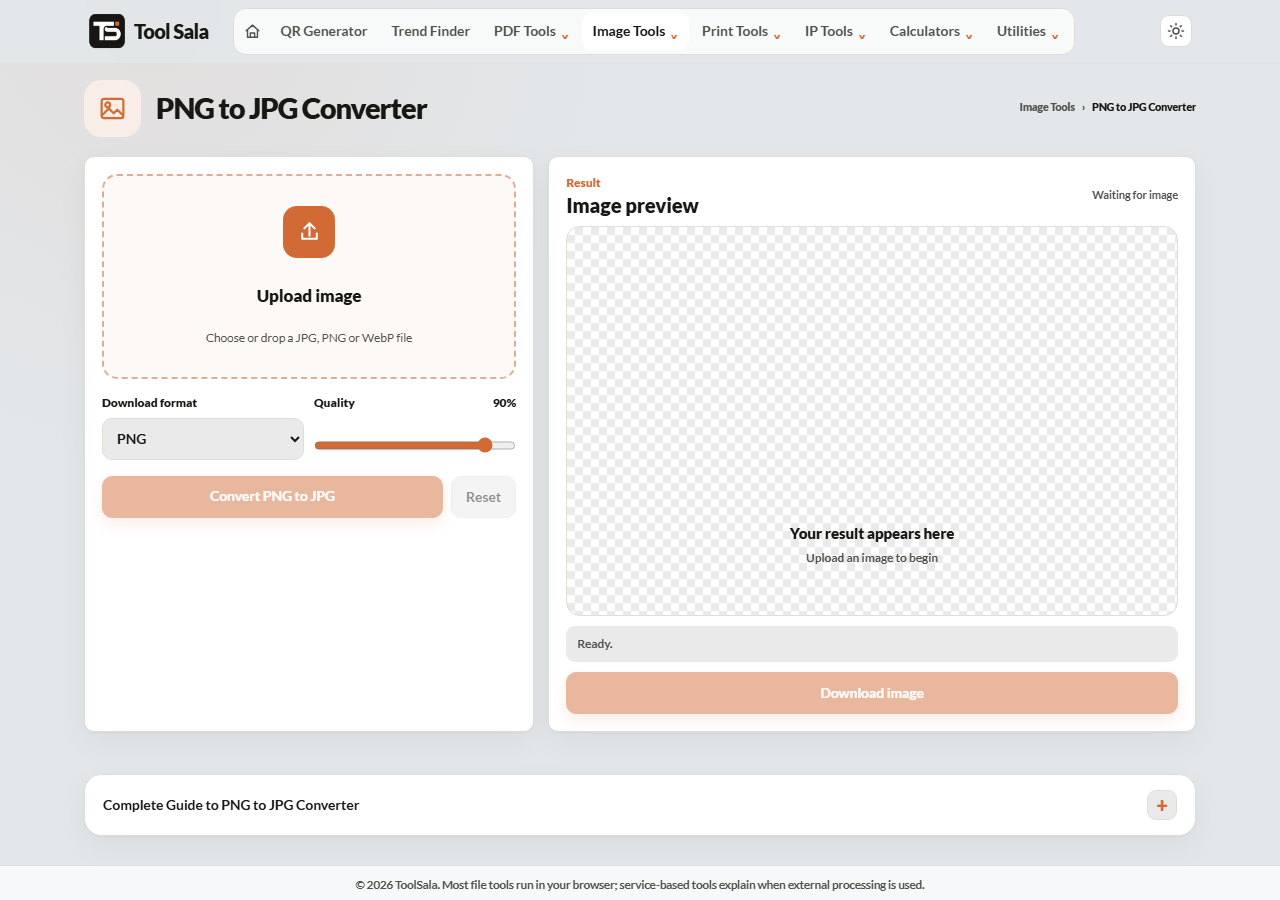
How to convert PNG to JPG
- Drop your PNG onto the upload area, or click to choose it.
- Set Download format to JPG.
- Adjust the Quality slider — 90% is a good default.
- Click Convert PNG to JPG and download the image.
⚠️ Transparency becomes white
This is the one thing to know before converting. JPG has no concept of transparency, so any transparent area in your PNG is filled in — normally with white.
For a photograph or a screenshot that does not matter, because nothing was transparent. For a logo with a see-through background it matters a lot: you will get a white box around it. Keep logos as PNG, or convert them to WebP instead, which supports transparency and is still small.
Choosing the quality
- 90–100% — visually identical to the original. Still far smaller than PNG.
- 70–85% — the sweet spot for web use and email attachments.
- Below 60% — visible blockiness, especially around text and sharp edges.
Screenshots with text need higher quality than photographs. Text is where JPG compression shows first.
PNG to JPG FAQs
Is this PNG to JPG converter free?
Yes. No signup, no watermark, and no limit on conversions.
Is my image uploaded to a server?
No. The conversion runs inside your browser on your own device.
What happens to the transparent background?
It is filled with white, because JPG cannot store transparency. If you need to keep it, stay with PNG or use WebP.
How much smaller will the file get?
Usually 70–90% smaller for photographs and screenshots. PNG stores every pixel exactly; JPG does not, and that is where the saving comes from.
Can I convert back to PNG afterwards?
You can with the JPG to PNG converter, but the detail lost in the JPG step does not come back. Keep the original PNG if you might need it.
Will the image dimensions change?
No. Width and height stay the same — only the format and file size change.
Related online tools
- PNG to WebP — smaller than JPG and keeps transparency.
- Image Compressor — shrink further after converting.
- JPG to PNG — the reverse conversion.
- Photo Editor — crop or resize before converting.
- All image tools — the full list.