
About the Word to PDF converter
This free Word to PDF converter turns a .docx file into a PDF that looks the same on every device. Upload the document, choose A4 or US Letter, and download the PDF. The conversion happens in your browser, so the file is never sent to a server.
The reason to convert is always the same: a Word file shifts. Fonts substitute, spacing moves, page breaks land differently on someone else’s computer. A PDF freezes the layout exactly as you saw it.
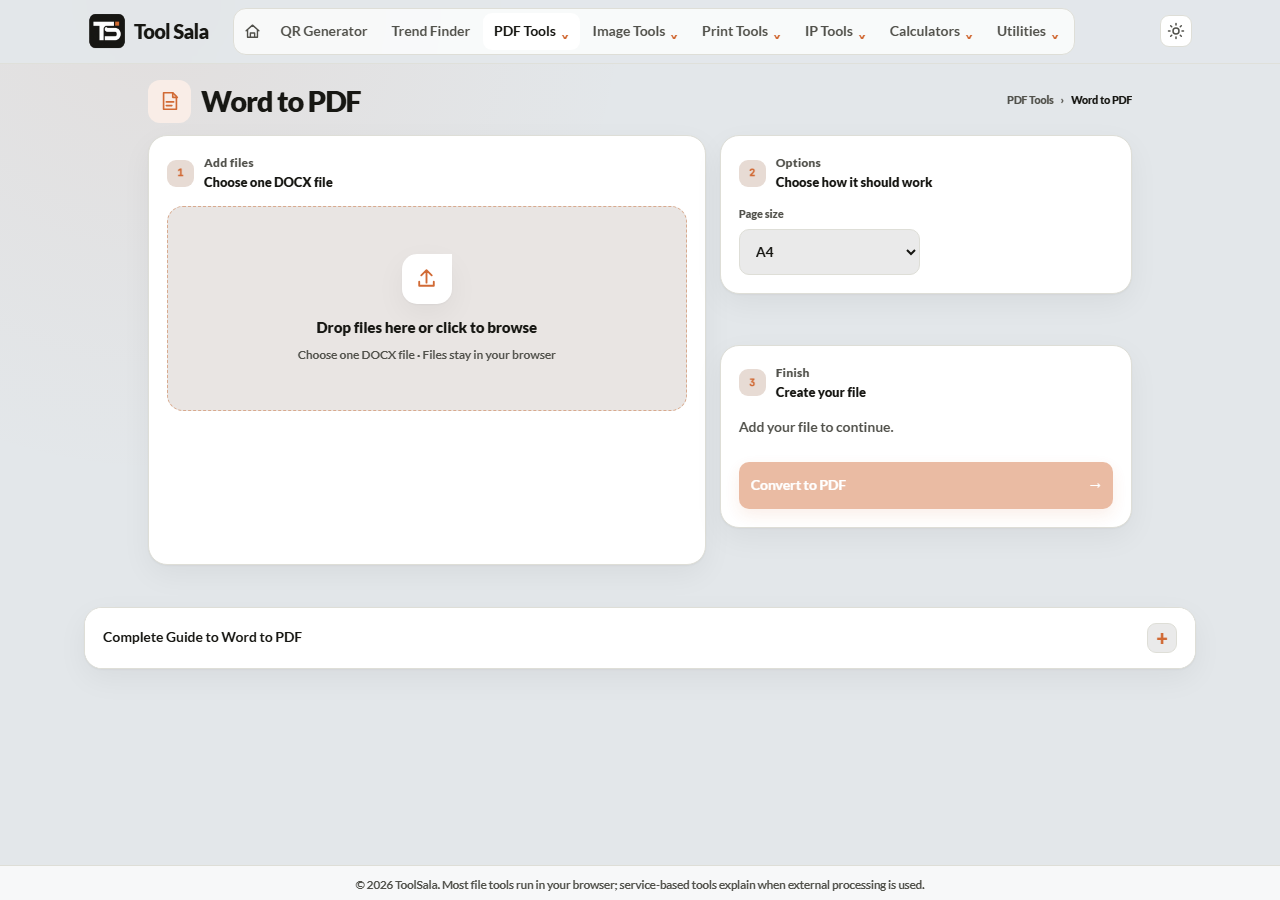
How to convert Word to PDF
- Drop your .docx file onto the upload area, or click to browse.
- Choose the Page size — A4 for India and most of the world, US Letter for the United States.
- Click Convert to PDF.
- Download and open the PDF to check the pages before sending it.
A4 or US Letter?
- A4 (210 × 297 mm) — India, Europe, most of Asia and Africa. Pick this unless you have a reason not to.
- US Letter (216 × 279 mm) — United States and Canada. Slightly wider and shorter.
Choosing the wrong one does not break anything, but printing a Letter document on A4 paper leaves uneven margins and can push the last line onto a new page.
Why convert before sending
- Layout is locked. What you see is what the recipient sees.
- Fonts are embedded. No substitution if they do not have your font.
- Harder to edit accidentally. Useful for signed letters, invoices and CVs.
- Accepted everywhere. Most job portals and government forms only take PDF.
Word to PDF FAQs
Is this Word to PDF converter free?
Yes. No signup, no watermark on the output, and no limit on conversions.
Is my document uploaded to a server?
No. The conversion runs in your browser on your own device, so CVs, contracts and letters stay private.
Does it support old .doc files?
It is built for the modern .docx format. If you have an older .doc file, open it in Word or Google Docs and save it as .docx first.
Will my formatting stay the same?
Ordinary documents — headings, paragraphs, lists, simple tables — convert closely. Very complex layouts with text boxes, custom fonts or heavy graphics may shift slightly, so always open the PDF before sending.
Can I convert back to Word later?
Yes, with the PDF to Word tool, though some formatting cleanup is normal on the way back.
Why is my PDF larger than the Word file?
PDFs embed their fonts and store images at full quality. Use Compress PDF if you need a smaller file.
Related online tools
- PDF to Word — convert in the other direction.
- Compress PDF — shrink the converted file.
- Merge PDF — combine it with other documents.
- Watermark PDF — mark it as a draft or copy.
- All PDF tools — the full list.