
About the GST Calculator
This free GST calculator works both ways. It adds GST to a base amount when you are preparing a quote or an invoice, and it removes GST that is already included in a price when you need to know the taxable value. Pick the rate — 3%, 5%, 12%, 18% or 28% — and you get the base amount, the tax and the final figure.
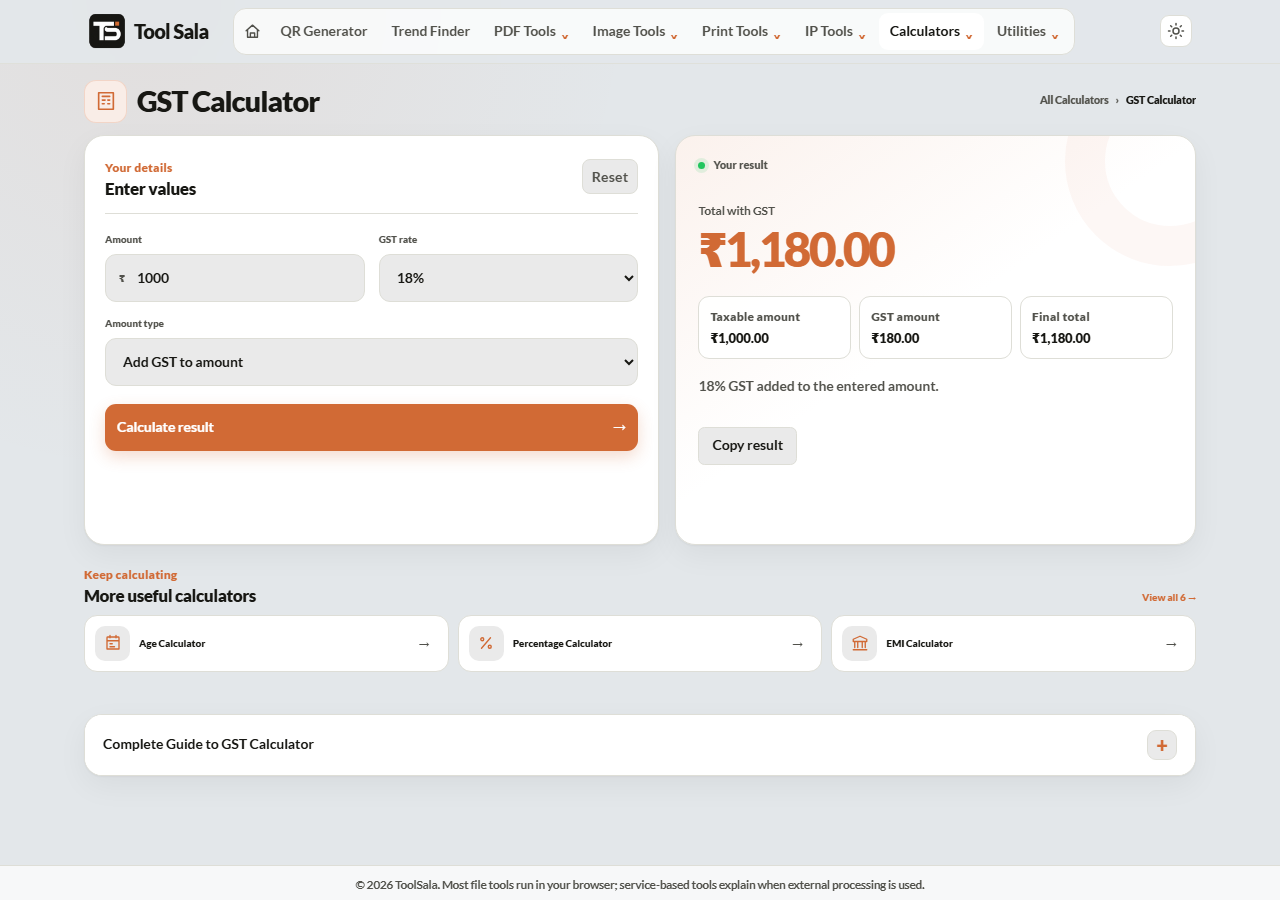
How to use the GST calculator
- Enter the Amount in rupees.
- Choose the GST rate: 3%, 5%, 12%, 18% or 28%.
- Pick the Amount type — Add GST to amount if your figure is before tax, or Remove included GST if the figure already contains it.
- Click Calculate result, then Copy result for your invoice or message.
Adding GST vs removing GST
This is the part people get wrong, and the mistake is always the same. If a product sells for ₹1,000 inclusive of 18% GST, the tax inside it is not ₹180.
- Adding GST — base ₹1,000 plus 18% gives ₹180 tax and ₹1,180 total.
- Removing GST — an inclusive price of ₹1,000 works out to roughly ₹847.46 base and ₹152.54 tax.
To extract included GST the formula is base = amount × 100 ÷ (100 + rate). Choosing the wrong mode is the single most common GST error on small invoices.
CGST, SGST and IGST
The total GST stays the same; only the split changes with where the buyer is:
- Same state — the tax splits evenly into CGST and SGST. On 18%, that is 9% each.
- Different state — the whole amount is IGST. On 18%, IGST is the full 18%.
Calculate the total here, then split it on the invoice according to the place of supply.
Common GST rates in India
- 3% — gold, silver and jewellery.
- 5% — essentials, most packaged food, small restaurants, economy transport.
- 12% — processed food, business-class air travel, some electronics.
- 18% — the standard rate. Most services, software, electronics and consumer goods.
- 28% — luxury and sin goods, often with an added cess.
Rates change from time to time. Confirm the current rate for your HSN or SAC code before filing.
GST Calculator FAQs
Is this GST calculator free?
Yes. No signup, no limit, and it works on phone and desktop.
How do I remove GST from an inclusive price?
Choose Remove included GST and enter the final price. The calculator divides by (100 + rate) and multiplies by 100 to find the taxable value, then shows the tax separately.
Does it handle CGST and SGST separately?
It gives you the total GST. For a within-state sale, halve that figure for CGST and SGST. For an inter-state sale the full amount is IGST.
Does it include cess on 28% items?
No. Compensation cess on items like cars and tobacco varies by product and is charged over and above GST. Add it separately.
Can I use these figures on a real invoice?
The arithmetic is standard and reliable, but confirm the correct rate for your goods or services with your accountant before filing returns.
Is anything I type stored?
No. The calculation happens in your browser and nothing is sent to a server.
Related online tools
- Invoice Generator — put these GST figures straight into a professional PDF invoice.
- Discount Calculator — apply a discount and then tax it correctly.
- Percentage Calculator — quick percentage work.
- All calculators — the full list.