
Domain age—Creation date unavailable
Domain Lookup
Try:
Finding authoritative registration server…20%
D
Registered domain
example.com
Expires in—Expiry date unavailable
Registrar—Registration provider
DNSSEC—Security status
NS
0 recordsName servers
Authoritative DNS servers
MX
0 recordsMX records
Email delivery servers
Registration timeline
RDAPEmail security
DNSDomain status
0 statusesComplete DNS records
0 records| Type | Host / priority | Value | TTL |
|---|
Registrar details
Public recordDomain details
RegistryContacts & entities
Privacy-awareRaw registration response
About the Domain Lookup tool
This free domain lookup tool runs a WHOIS and DNS check on any domain — registration details, nameservers, MX records, DNSSEC status and the full DNS record set. Enter the domain, click lookup, read the report.
It is the first thing to reach for when a website will not load, email stops arriving, or you are checking whether a domain is worth buying.
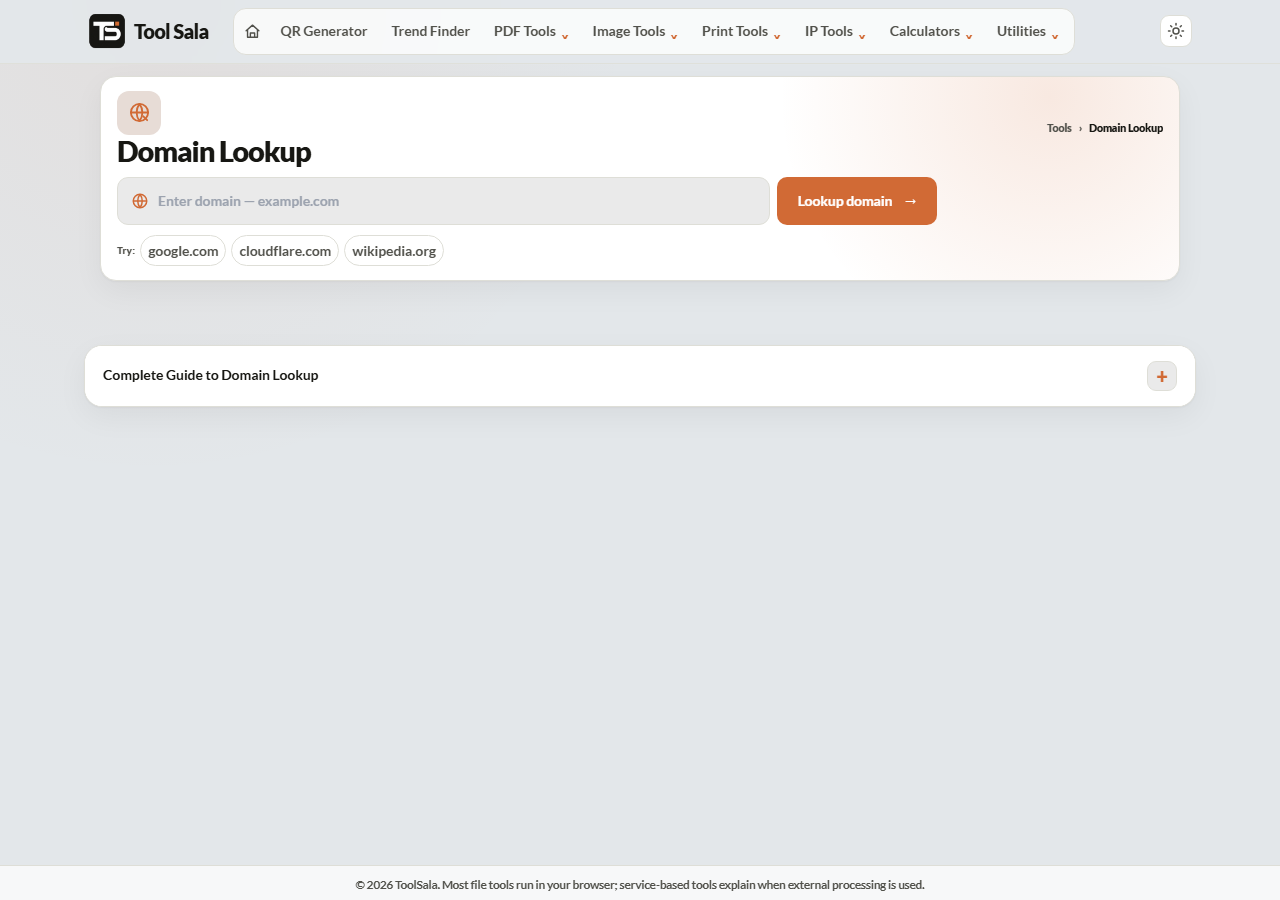
How to look up a domain
- Type the domain —
example.com, withouthttps://. - Click Lookup domain.
- Read the report. Sample domains are provided if you just want to see what it returns.
What the report tells you
- Registration — the registrar, and the creation, expiry and update dates.
- Nameservers — which DNS provider is authoritative for the domain. This is what you check first when a site has moved and is not resolving.
- A and AAAA records — the IPv4 and IPv6 addresses the domain points to.
- MX records — the mail servers. No MX record means the domain cannot receive email.
- TXT records — SPF, DKIM and DMARC entries, plus verification strings for various services.
- DNSSEC — whether the domain’s DNS responses are cryptographically signed.
Reading the dates
- Creation date — how long the domain has existed. A domain registered last week claiming a twenty-year history is a warning sign.
- Expiry date — when it lapses. If your own domain is close to expiry, renew it; an expired domain takes the website and email down together.
- Updated date — a very recent update on a domain you did not touch is worth investigating.
Why WHOIS details are often hidden
Most registrars now apply privacy protection by default, so the owner’s name, address and phone number are replaced with the registrar’s own details. That is deliberate, and it is a consequence of data-protection rules rather than anything suspicious.
The technical records — nameservers, A, MX, TXT — are always public, because the internet needs them to function. Those are the parts that actually help you diagnose a problem.
Domain Lookup FAQs
Is this domain lookup free?
Yes. No signup, and no limit on lookups.
Why can I not see the owner’s name?
WHOIS privacy hides personal details at most registrars by default. Technical records remain public.
How do I check whether a domain is available?
Look it up. If no registration data comes back, it is probably unregistered — confirm at a registrar before buying.
What does no MX record mean?
The domain is not configured to receive email. If you expected mail to work, the MX records are missing or wrong.
What are nameservers for?
They are the authoritative DNS servers for the domain. If you have moved hosting and the site still shows the old one, the nameservers usually have not updated yet.
How long do DNS changes take?
Usually minutes to a few hours, occasionally up to 48 hours, depending on the record’s TTL and caching along the way.
Related online tools
- IP Intelligence — details for the IP a domain points to.
- Email Validator — check whether a domain can receive mail.
- Website Screenshot — see what the site currently looks like.
- SEO Content Analyzer — check the site’s content.
- All online tools — the full list.