
About the Aadhaar Card Crop and Print tool
This free tool crops your Aadhaar card from the downloaded e-Aadhaar PDF and lays it out at the correct physical size for printing. It opens password-protected PDFs, trims the card out of the A4 page, and builds a print sheet you can take to any shop.
Your document never leaves your device. The PDF is opened and cropped inside your browser — nothing is uploaded to a server. For a document that carries your Aadhaar number, that is the only acceptable way to do this.
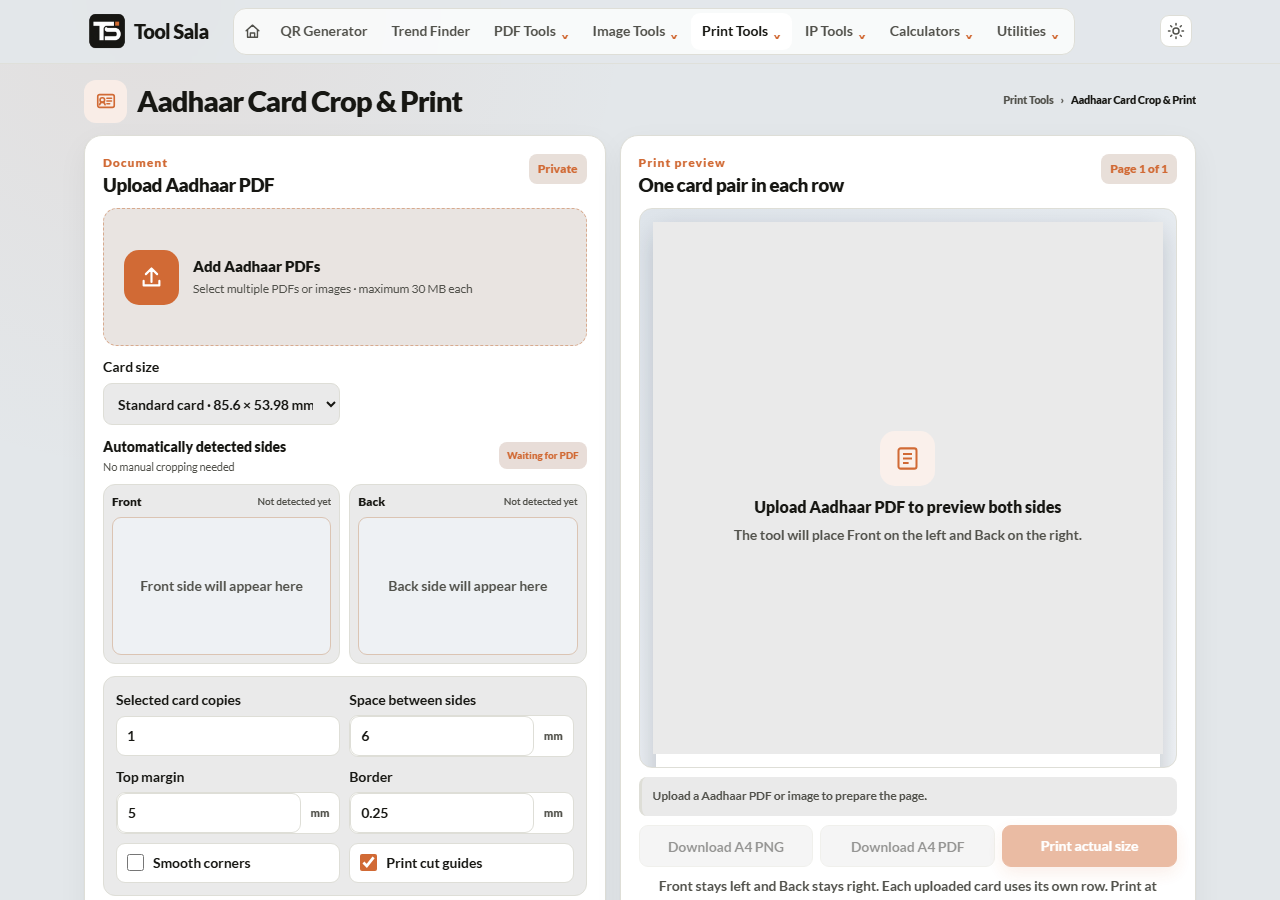
How to crop and print your Aadhaar card
- Download your e-Aadhaar PDF from the official UIDAI website.
- Add the file here. If it is password protected, type the password in the PDF password field and click Unlock & add.
- Choose a print size: Standard card · 85.6 × 53.98 mm, Large copy · 100 × 63 mm, or a custom width and height.
- Set how many copies you want, plus spacing, top margin, border and smooth corners.
- Click Refresh A4 preview and check the layout.
- Use Download A4 PDF for a print shop, Download A4 PNG for an image, or Print actual size to print at home.
The e-Aadhaar PDF password
UIDAI protects the download with a password made from your own details: the first four letters of your name in CAPITALS, followed by your year of birth. For a Ravi Kumar born in 1992, that is RAVI1992.
Enter it in the password field and the file opens here. The password is used only in your browser to unlock the file — it is not stored or sent anywhere.
Getting the size right
- Standard card · 85.6 × 53.98 mm — the official ID-1 size, identical to a debit card. Pick this so the print fits a card holder or wallet slot.
- Large copy · 100 × 63 mm — easier to read, useful for a file copy or for elderly family members.
- Custom size — when an office has asked for something specific.
When printing, make sure your printer dialog is set to 100% / Actual size. “Fit to page” silently rescales the sheet and the card comes out the wrong size.
Aadhaar Card Print FAQs
Is this tool free?
Yes. No signup, no watermark on the output, and no limit.
Is my Aadhaar PDF uploaded to a server?
No. The file is opened, unlocked and cropped inside your browser on your own device. It is never transmitted or stored.
What is the password for my e-Aadhaar PDF?
The first four letters of your name in capitals plus your birth year — for example RAVI1992.
What size should an Aadhaar print be?
85.6 × 53.98 mm, the same as a bank card. That is the Standard card option.
Why did my print come out the wrong size?
The printer was set to scale. Choose Actual size or 100% in the print dialog, never “Fit to page”.
Can I print several copies on one sheet?
Yes. Set the number of copies and the tool arranges them on an A4 sheet with your chosen spacing.
Is a self-printed copy officially valid?
A printed e-Aadhaar is generally accepted as proof of identity, but whether a particular office accepts a self-printed copy is their decision. For anything official, carry the original or a PVC card ordered from UIDAI.
Related online tools
- All-in-One Card Printer — Aadhaar, PAN, ABHA and Voter cards in one tool.
- PAN Card Print — same layout for your e-PAN.
- Passport Photo Maker — correct photo sizes for forms.
- Split PDF — extract a single page first.
- All print tools — the full list.