
About the MahaSarathi Card Print tool
This free tool crops a MahaSarathi card from its downloaded PDF and lays it out at the correct card size for printing. It opens password-protected files, trims the card from the page, and builds a print-ready A4 sheet.
The file stays on your device. Transport documents carry your licence number and address, so the cropping happens entirely inside your browser with nothing uploaded.
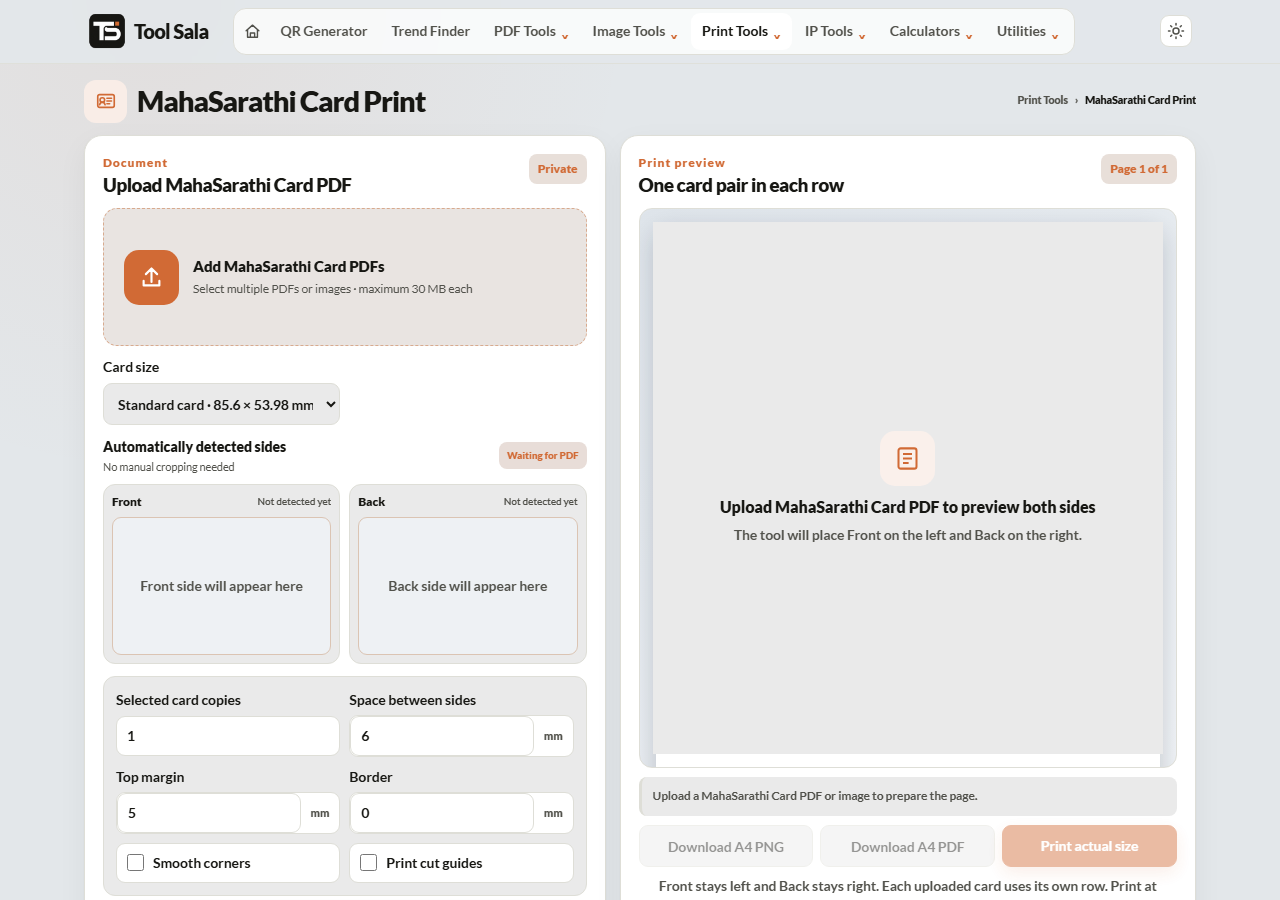
How to print a MahaSarathi card
- Download the card PDF from the official Maharashtra transport portal.
- Add the file here, enter the PDF password if it is protected, and click Unlock & add.
- Choose the print size: Standard card · 85.6 × 53.98 mm, Large copy · 100 × 63 mm, or a custom size.
- Set copies, spacing, top margin, border and smooth corners.
- Click Refresh A4 preview, then Download A4 PDF or Print actual size.
Why the size matters for transport documents
A driving-related document has to survive being pulled out of a wallet at the roadside and handed over. Printing it at the standard 85.6 × 53.98 mm card size means it fits the same slot as your other cards instead of being folded — and a folded document develops a crease right through the details that matter.
- Print two copies: one for your wallet, one for the vehicle’s document folder.
- Actual size / 100% in the printer dialog, never “Fit to page”.
- Thick matte paper, or laminate it at a shop using the downloaded A4 PDF.
- Turn on smooth corners so the printed card looks and feels like a real one.
MahaSarathi Card Print FAQs
Is this tool free?
Yes. No signup, no watermark, and no limit on how many sheets you build.
Is my PDF uploaded to a server?
No. It is opened and cropped inside your browser on your own device.
My PDF is password protected. What do I enter?
Whatever password the portal specified when you downloaded it — usually built from your date of birth or application number. Type it in the password field and click Unlock & add.
What print size should I use?
85.6 × 53.98 mm for a wallet card. Use Large copy if you want the text easier to read in the vehicle folder.
Why did the print come out too small?
The printer scaled the sheet. Choose Actual size or 100% in the print dialog.
Is a self-printed copy legally valid?
A printed copy is for convenience. For roadside checks in India, a digital document in DigiLocker or the mParivahan app is accepted, and the original remains the authoritative document. Do not rely on a paper print alone.
Related online tools
- All-in-One Card Printer — auto-detects MahaSarathi, Aadhaar, PAN, ABHA and Voter cards.
- Aadhaar Card Crop and Print — same layout for e-Aadhaar.
- Split PDF — extract one page from a multi-page download.
- Compress PDF — shrink the file for email.
- All print tools — the full list.