
About the Voter e-EPIC Card Print tool
This free tool crops your Voter e-EPIC card from the downloaded PDF and lays it out at the correct card size for printing. It opens the password-protected file, trims the card from the page, and builds a print-ready A4 sheet.
Nothing is uploaded. Your e-EPIC carries your EPIC number and address, so the file is opened and cropped entirely inside your browser.
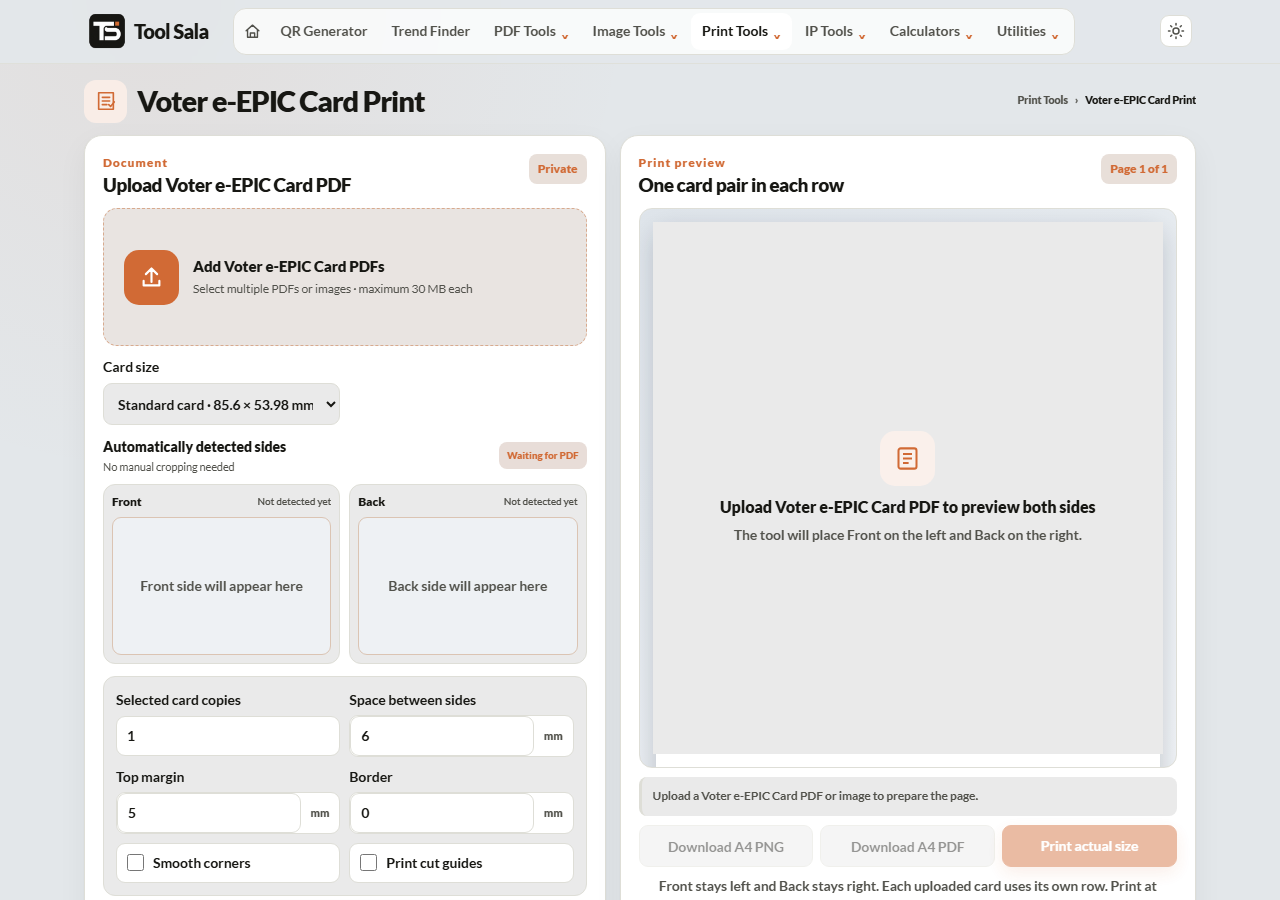
How to print your e-EPIC card
- Download your e-EPIC PDF from the official Voter Service Portal or the Voter Helpline app.
- Add the file here, enter the PDF password, and click Unlock & add.
- Choose the print size — Standard card · 85.6 × 53.98 mm for a wallet card.
- Set copies, spacing, top margin, border and smooth corners.
- Click Refresh A4 preview, then Download A4 PDF or Print actual size.
About the e-EPIC
The e-EPIC is the digital version of the Voter ID card, issued as a PDF by the Election Commission. It is a valid identity document in its own right, and printing it gives you a physical copy without waiting for a card in the post.
The card is double-sided — photo and details on one face, address on the other. Print both faces and stick them back to back for a card that works like the original.
Printing it properly
- Set the printer to Actual size / 100%. “Fit to page” changes the dimensions.
- Print both sides from the same sheet, then trim and glue back to back.
- Use thick matte paper; ordinary paper frays quickly in a wallet.
- Lamination at a shop makes it last far longer — take the downloaded A4 PDF along.
Voter e-EPIC Print FAQs
Is this tool free?
Yes. No signup, no watermark, and no limit.
Is my e-EPIC PDF uploaded to a server?
No. It is opened and cropped inside your browser on your own device.
What password does the e-EPIC PDF use?
The portal states the format at the point of download — it is normally built from your date of birth or EPIC number. Enter it in the password field and click Unlock & add.
What size should the printed card be?
85.6 × 53.98 mm, the standard card size, so it fits a wallet slot.
Can I print both sides?
Yes. Add both faces and arrange them on the sheet, then trim and stick them back to back.
Is a printed e-EPIC accepted as ID?
The e-EPIC is an official Election Commission document. Acceptance of a self-printed copy is at the discretion of whoever is checking it, so for voting or formal verification carry the original EPIC if you have one.
Related online tools
- All-in-One Card Printer — Voter, Aadhaar, PAN and ABHA cards together.
- Aadhaar Card Crop and Print — same layout for e-Aadhaar.
- Passport Photo Maker — photos for election and ID forms.
- Split PDF — extract a page from a multi-page download.
- All print tools — the full list.