
About the PAN Card Print tool
This free tool crops your PAN card out of the downloaded e-PAN PDF and lays it out at the correct card size for printing. It opens password-protected files, trims the card from the page, and builds a print-ready A4 sheet.
Nothing is uploaded. The PDF is opened and cropped inside your browser on your own device — which is what you want for a document carrying your PAN number.
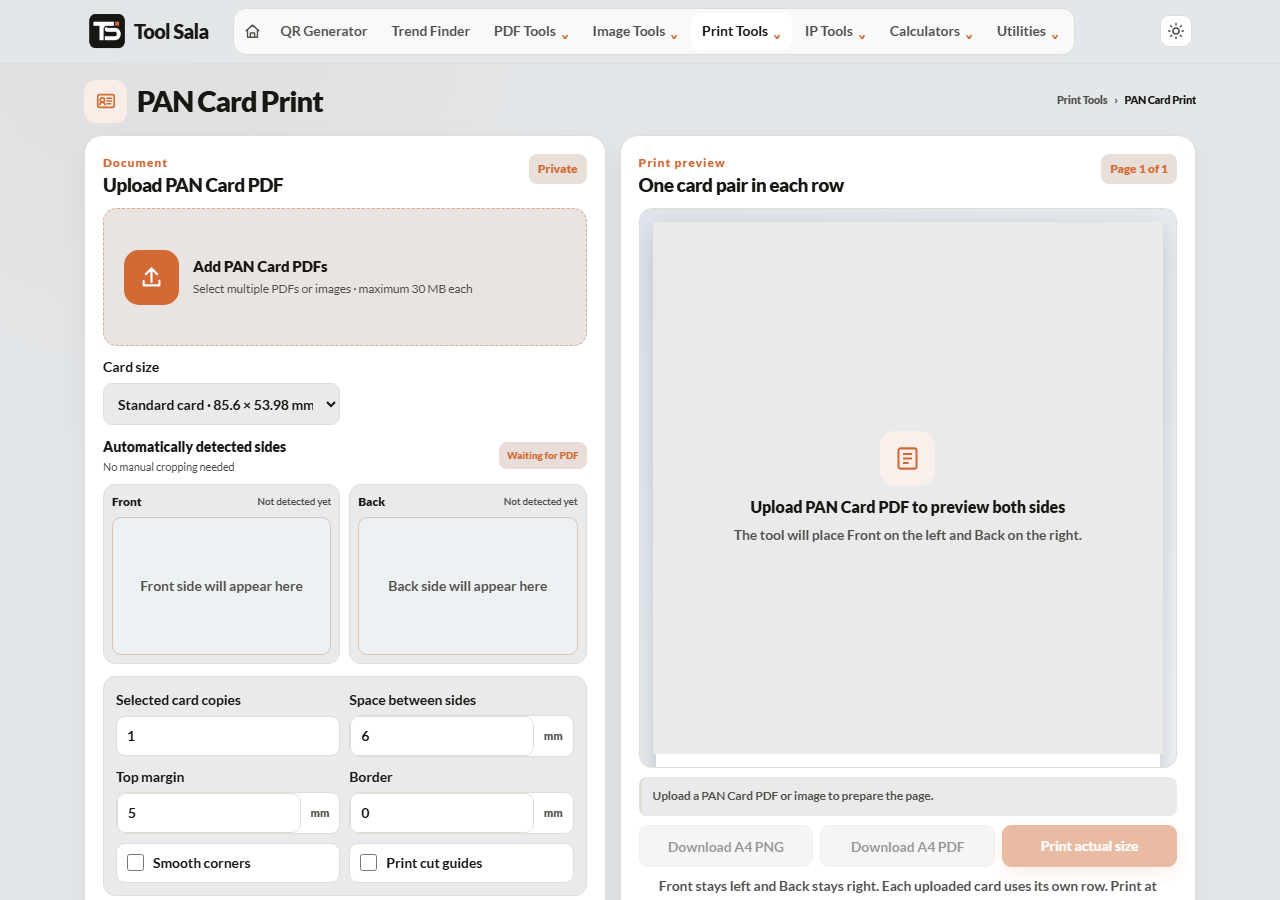
How to print your PAN card
- Download your e-PAN PDF from the NSDL or UTIITSL portal.
- Add the file here, enter the PDF password if it is protected, and click Unlock & add.
- Choose the print size — Standard card · 85.6 × 53.98 mm is the correct one.
- Set the number of copies, plus spacing, top margin, border and smooth corners.
- Click Refresh A4 preview.
- Download A4 PDF for a print shop, or Print actual size at home.
The e-PAN PDF password
The e-PAN download is protected with your date of birth in DDMMYYYY format, with no slashes or spaces. Someone born on 5 August 1992 enters 05081992.
A common mistake is using DD/MM/YYYY or dropping the leading zero. Use all eight digits exactly. The password is used only in your browser to unlock the file.
Printing it properly
- Standard card · 85.6 × 53.98 mm is the official PAN card size. Use this unless you have been asked for something else.
- Set the printer to Actual size / 100%. “Fit to page” rescales the sheet and ruins the dimensions.
- For something that will last, print on thick matte paper or take the PDF to a shop for PVC lamination.
- Print two or three copies at once — you will need spares for bank and KYC paperwork.
PAN Card Print FAQs
Is this tool free?
Yes. No signup, no watermark, and no limit on how many sheets you make.
Is my PAN PDF uploaded anywhere?
No. It is opened and cropped inside your browser and never sent to a server.
What is the e-PAN PDF password?
Your date of birth as eight digits, DDMMYYYY — for example 05081992.
What is the correct PAN card size?
85.6 × 53.98 mm, the standard ID-1 card size, same as a debit card.
Why is my printed card slightly too small?
The printer scaled it. Choose Actual size or 100% in the print dialog.
Is a printed e-PAN valid?
The e-PAN itself is a valid document issued by the Income Tax Department. Whether a particular office accepts a self-printed paper copy is up to them — for bank KYC, carry the original card or the digitally signed PDF.
Can I print PAN and Aadhaar on the same sheet?
Use the All-in-One Card Printer, which handles several card types together.
Related online tools
- Aadhaar Card Crop and Print — same layout for e-Aadhaar.
- All-in-One Card Printer — several cards on one sheet.
- Compress PDF — shrink the file before emailing it.
- Passport Photo Maker — photos for the same forms.
- All print tools — the full list.