
About the All-in-One Card Printer
This free ID card printer handles every card in one place — Aadhaar, PAN, ABHA, Voter e-EPIC and MahaSarathi. It detects the card type automatically, crops it from the downloaded PDF, and lays out a print-ready A4 sheet at the correct physical size.
Nothing is uploaded. These documents carry your Aadhaar and PAN numbers, so every file is opened and cropped inside your browser on your own device.
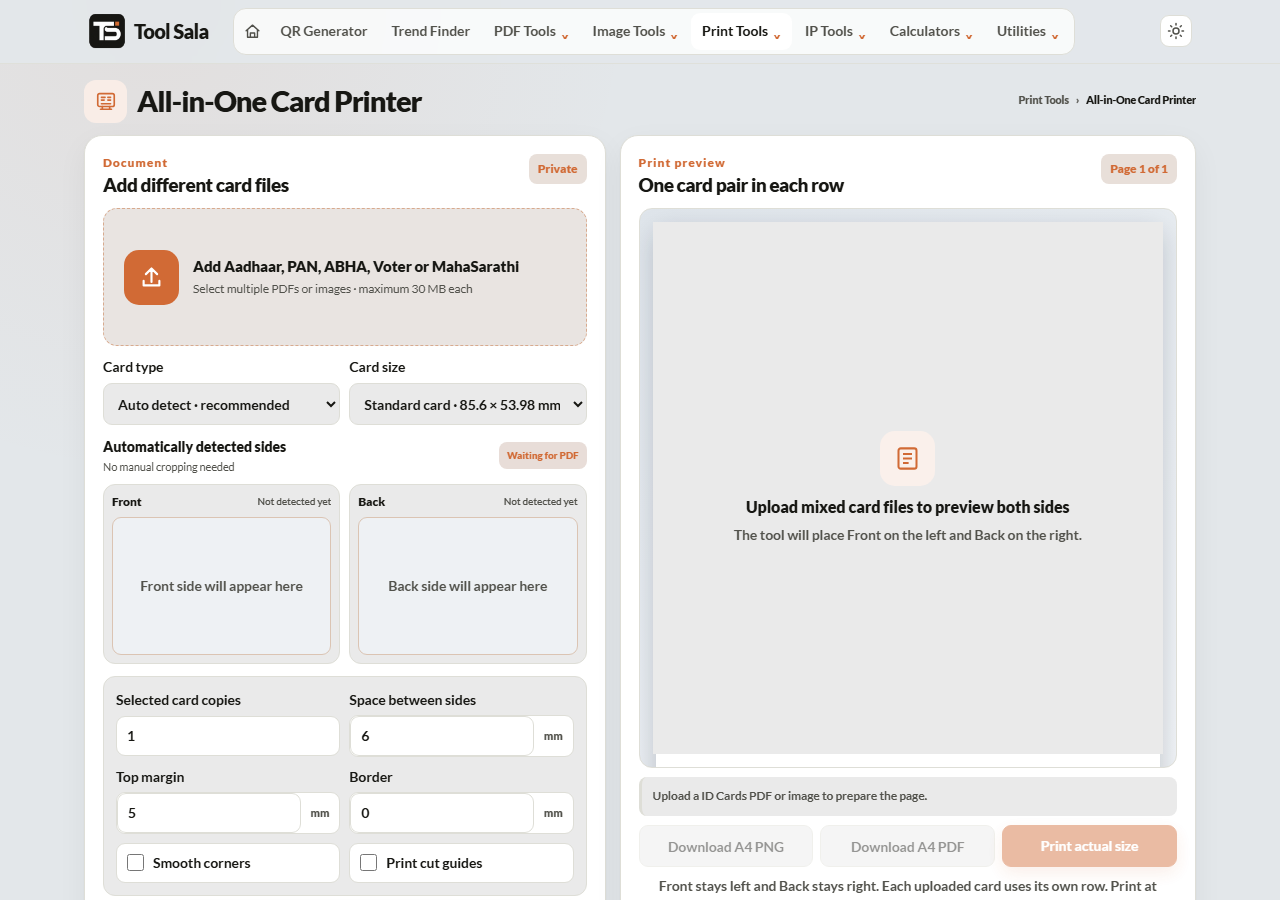
How to use it
- Add your card PDF or image. Enter the PDF password if needed and click Unlock & add.
- Leave the card type on Auto detect, or pick it yourself: Aadhaar, MahaSarathi, ABHA, Voter e-EPIC or PAN.
- Choose the print size: Standard card · 85.6 × 53.98 mm, Large copy · 100 × 63 mm, or custom.
- Set copies, spacing, top margin, border and smooth corners.
- Use ← Previous and Next → to move through the cards you have added.
- Click Refresh A4 preview, then Download A4 PDF, Download A4 PNG or Print actual size.
Why use this instead of the single-card tools
- One trip to the print shop. Add every family document, build one sheet, print once.
- Auto detection. You do not need to know which layout each PDF uses.
- Consistent sizing. All the cards come out at the same dimensions so they stack neatly.
- Fewer sheets wasted. Several cards share one A4 page instead of one card per sheet.
If you only have one card to print, the dedicated Aadhaar or PAN tools are slightly quicker. For a family set, use this one.
PDF passwords, by document
- e-Aadhaar — first four letters of your name in capitals plus your birth year, for example
RAVI1992. - e-PAN — date of birth as eight digits,
DDMMYYYY. - ABHA, e-EPIC, MahaSarathi — the format is stated on the portal at the point of download.
Passwords are used only in your browser to open the file. They are never stored or sent anywhere.
All-in-One Card Printer FAQs
Is this tool free?
Yes. No signup, no watermark on the output, and no limit.
Are my documents uploaded to a server?
No. Every file is opened, unlocked and cropped inside your browser on your own device.
Which cards does it support?
Aadhaar, PAN, ABHA, Voter e-EPIC and MahaSarathi, with automatic detection.
Can I put several different cards on one sheet?
Yes. Add them all, then use Previous and Next to arrange each one before building the sheet.
What size do the cards print at?
85.6 × 53.98 mm by default, the standard ID card size. Large copy and custom sizes are also available.
Why is my print the wrong size?
Set the printer to Actual size or 100%. “Fit to page” rescales the sheet.
Are self-printed cards officially valid?
They are convenience copies. Acceptance is decided by whoever is checking, so keep originals and digital versions in DigiLocker for anything formal.
Related online tools
- Aadhaar Card Crop and Print — single-card tool.
- PAN Card Print — single-card tool.
- Passport Photo Maker — photos for the same forms.
- Merge PDF — keep all family documents in one file.
- All print tools — the full list.