
About the WebP to JPG converter
This free WebP to JPG converter turns a WebP image into a JPG that opens anywhere. Upload the file, set the quality, download the JPG. It runs in your browser, so nothing is uploaded.
Most people arrive here because they saved an image from a website and it will not open, or a form refused it. That is WebP — great on the web, and still rejected by plenty of software and upload portals.
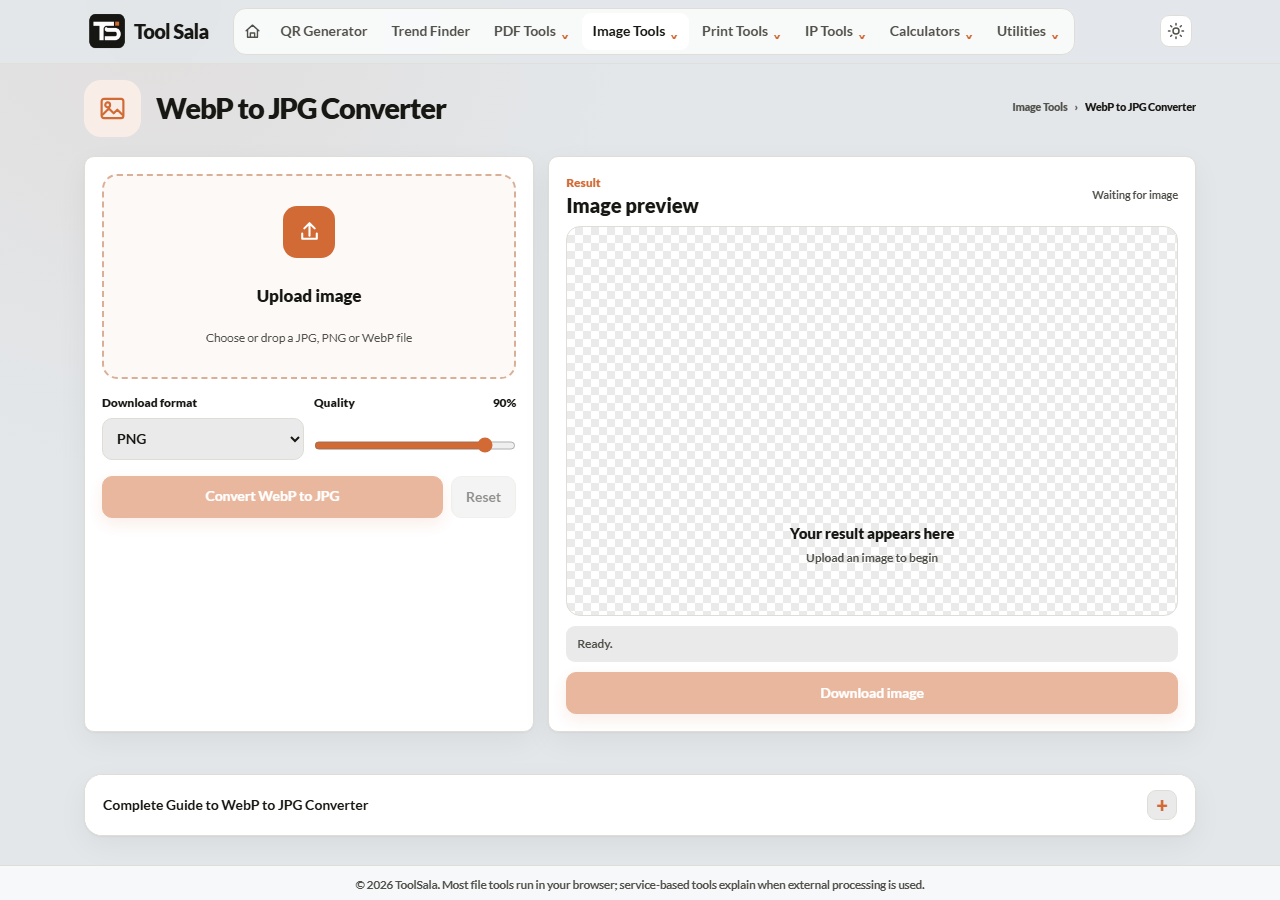
How to convert WebP to JPG
- Drop your WebP file onto the upload area, or click to choose it.
- Set Download format to JPG.
- Adjust the Quality slider — 90% keeps it looking the same.
- Click Convert WebP to JPG and download.
Where WebP gets rejected
- Government and bank portals — most accept only JPG, JPEG or PNG.
- Job application forms — photo uploads usually demand JPG.
- Older desktop software — some photo editors and printers will not open it.
- Print shops — many ask for JPG or PDF only.
Converting to JPG solves all of these in one step.
⚠️ If the WebP had transparency
WebP can store transparent areas; JPG cannot. Converting fills any transparency with white. If the image is a logo or an icon that needs to stay see-through, convert it to PNG instead.
For photographs it makes no difference — there was no transparency to lose.
WebP to JPG FAQs
Is this WebP to JPG converter free?
Yes. No signup, no watermark, no limit.
Is my image uploaded to a server?
No. The conversion runs entirely in your browser.
Why will my WebP file not open on my computer?
The software you are using does not support the format. Browsers all do; older photo viewers and editors often do not. Converting to JPG fixes it.
Will the quality drop?
Both formats are lossy, so there is a small loss. At 90% quality it is not visible. Avoid repeatedly converting the same image back and forth.
Will the file get bigger?
Usually yes. WebP is more efficient, so the same picture as JPG is typically larger. Run it through the image compressor if size matters.
What about a transparent WebP?
The transparent area becomes white. Convert to PNG instead to keep it.
Related online tools
- WebP to PNG — keeps transparency.
- Image Compressor — shrink the JPG afterwards.
- JPEG to WebP — the reverse conversion.
- Passport Photo Maker — if this is for a form photo.
- All image tools — the full list.