
About the Image to Base64 converter
This free image to Base64 converter turns a picture into a long text string you can paste directly into HTML, CSS, JSON or an API request. Upload the image, click encode, copy the string. It runs in your browser, so the file is never uploaded.
Base64 is how you embed an image inside code instead of linking to a separate file. The browser rebuilds the picture from the text, so there is no second request to the server.
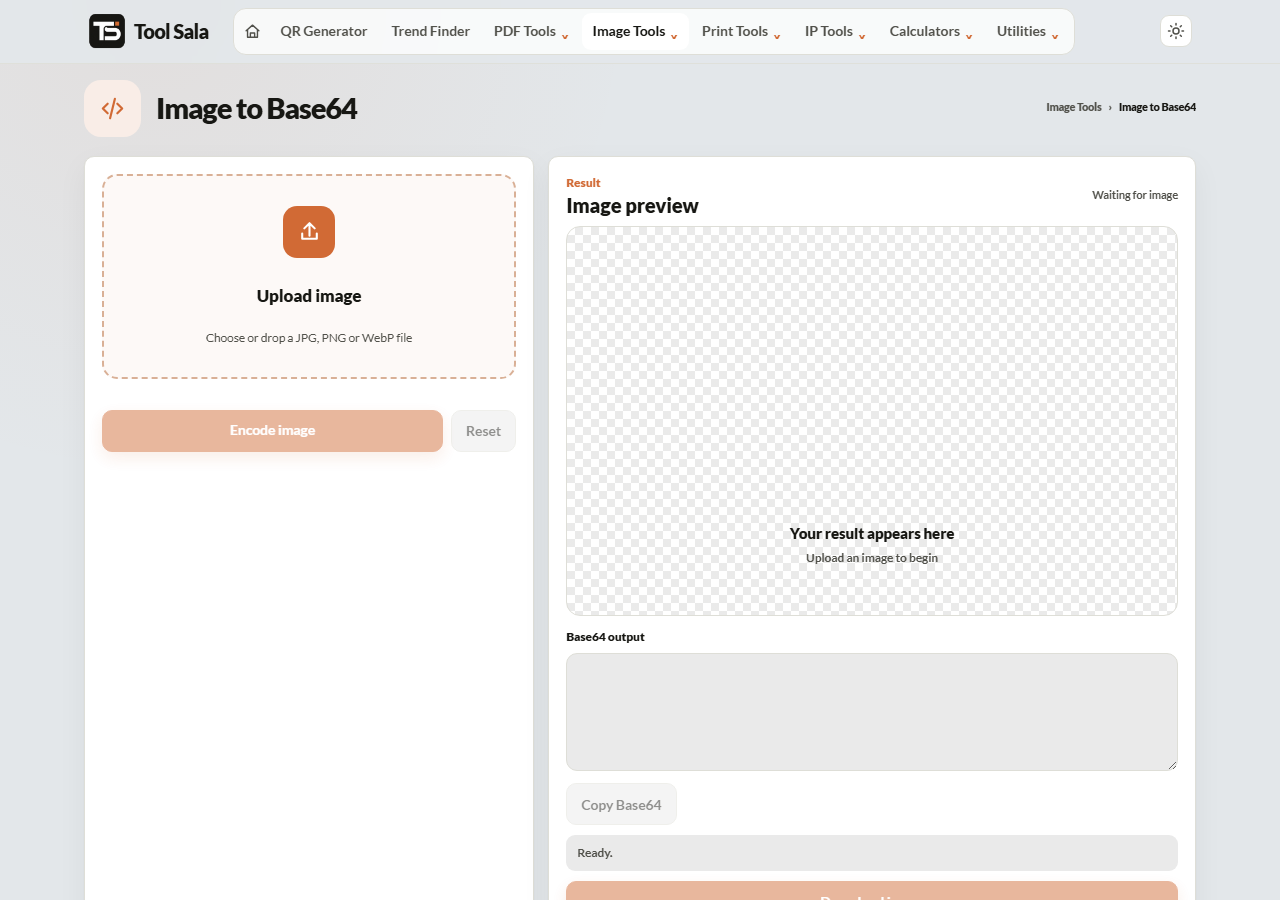
How to convert an image to Base64
- Drop your JPG, PNG or WebP image onto the upload area.
- Click Encode image.
- Click Copy Base64, or Download image to save the result.
Where to use the string
Base64 images are used as data URIs. In HTML:
<img src="data:image/png;base64,iVBORw0KG...">
In CSS:
background-image: url("data:image/png;base64,iVBORw0KG...");
It also solves a common API problem — sending an image through a JSON payload, which cannot carry binary data.
When it helps, and when it hurts
Good for:
- Tiny icons and bullets, where the saved request costs more than the extra bytes.
- Emails, where linked images are often blocked by default.
- Single-file HTML pages that must work offline.
- Sending an image inside a JSON API call.
Bad for:
- Photographs. Base64 makes a file roughly 33% larger, and the string cannot be cached separately from the page.
- Anything reused across pages — a normal image file gets cached once and reused; an embedded one is re-downloaded with every page.
Rule of thumb: under about 5 KB, embedding is reasonable. Above that, use a real image file.
Image to Base64 FAQs
Is this converter free?
Yes. No signup and no limit.
Is my image uploaded to a server?
No. The encoding happens in your browser on your own device.
Why is the Base64 bigger than the image?
Base64 stores binary data using only text characters, which costs about a third more space. That overhead is unavoidable.
Does Base64 compress the image?
No. It only changes how the same data is written. Compress the image first if you want it smaller.
Which formats can I encode?
JPG, PNG and WebP.
How do I turn a Base64 string back into a file?
Use the Base64 to Image converter.
Related online tools
- Base64 to Image — decode a string back into a picture.
- Image Compressor — shrink the image before encoding it.
- Hash Generator — checksums for text and files.
- All image tools — the full list.