About the Google Review Link and QR Code Generator
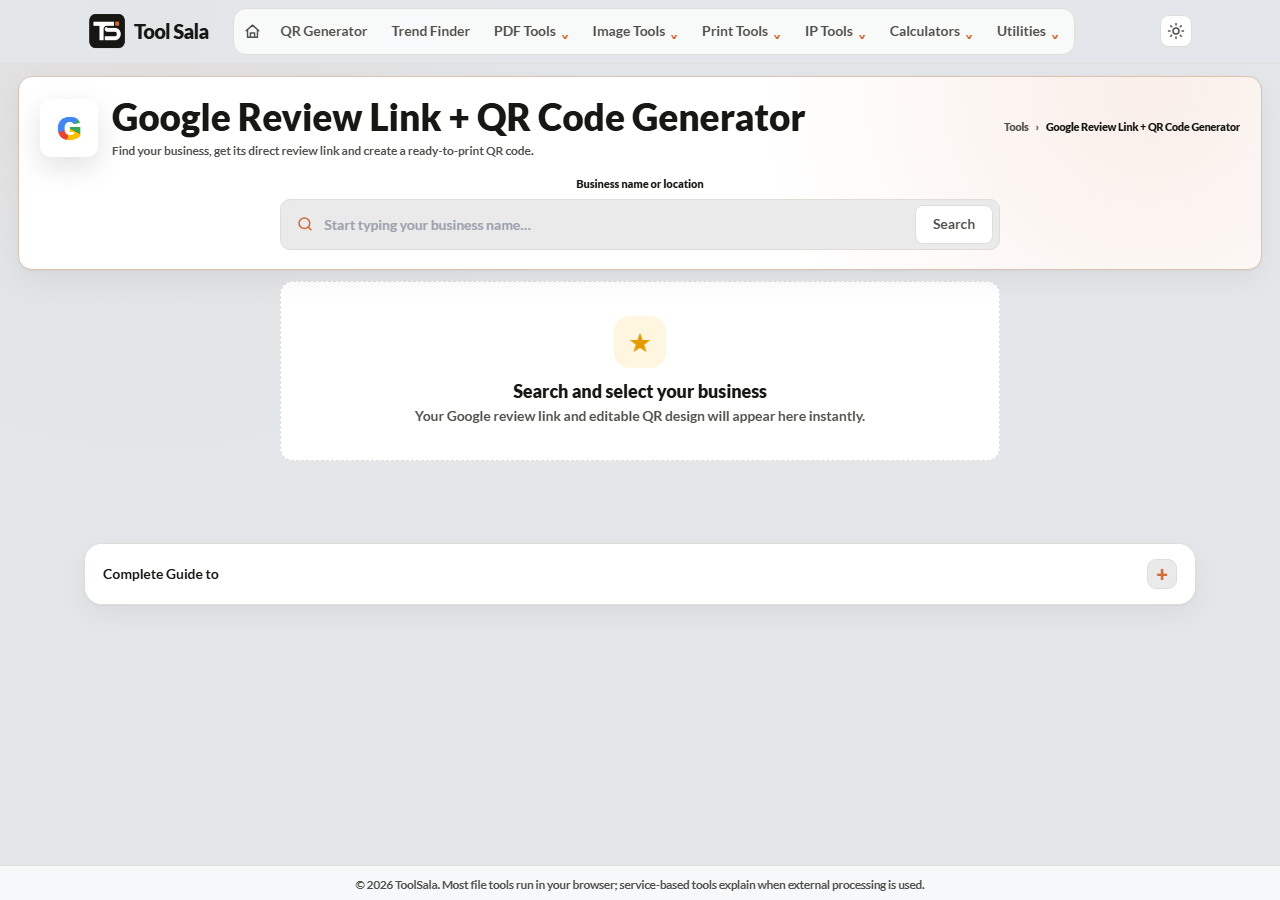
This free tool finds your business on Google, builds its direct review link, and turns that link into a branded QR code you can print. Search for the business, select it, and you get the link plus a customisable QR card ready for the counter.
The value is in the link itself. Sending customers to “search for us on Google and leave a review” loses most of them. A direct link opens the review box immediately — one tap, write, done.
Find your business, copy the direct review link, and download a branded QR code.
How to get your Google review QR code
Start typing your business name in the search box and pick it from the suggestions.
Check the details shown — name, address, rating and review count — to confirm it is the right listing.
Copy the direct review link for WhatsApp, email or your website.
Design the QR code: pick a template, colours, frame style and module shape, or upload your own logo.
Download as PNG for screens or SVG for print.
Where to put the QR code
On the bill or receipt — the moment the customer is happiest is right after paying.
A table tent or counter card — the highest-converting placement for restaurants and salons.
The back of a visiting card.
Delivery packaging — a small sticker inside the box.
Your WhatsApp Business away message, using the link rather than the QR.
Add a caption frame with something specific — “Scan to review us on Google” works far better than a bare code with no explanation.
Getting more reviews, properly
Ask at the right moment. Straight after a good experience, not days later.
Ask everyone. Selecting only happy customers is against Google’s policies and gets reviews filtered.
Never pay for reviews or offer a discount in exchange. Google removes them and can penalise the listing.
Reply to every review, including the critical ones. Future customers read the replies.
Make it effortless. Every extra step loses people — which is exactly what the direct link removes.
Review QR FAQs
Is this tool free?
Yes. No signup, no watermark on the QR code, and no limit.
Will the QR code expire?
No. It is a static code containing your review link directly, so it keeps working as long as your Google listing exists.
Why can I not find my business?
It may not be verified on Google Business Profile yet, or it may be listed under a different name. Claim and verify the listing first.
PNG or SVG for printing?
SVG. It is vector, so it stays sharp at any size from a sticker to a standee. Use PNG for screens and messaging.
Can I put my logo in the middle?
Yes. Upload it, and set the error correction to H — High (30%) so the code still scans with the logo covering the centre.
Can I offer a discount for reviews?
No. Incentivised reviews breach Google’s policies, get filtered out, and can put your listing at risk. Ask sincerely instead.