
About the JPEG to WebP converter
This free JPEG to WebP converter turns a JPG photo into a WebP file that is noticeably smaller at the same visible quality. Upload the image, set the quality between 40 and 100, and download. It runs in your browser, so nothing is uploaded.
If you run a website, this is the single cheapest speed improvement available. The same photograph typically drops 25–35% in size with no visible difference, and image weight is what makes most pages slow.
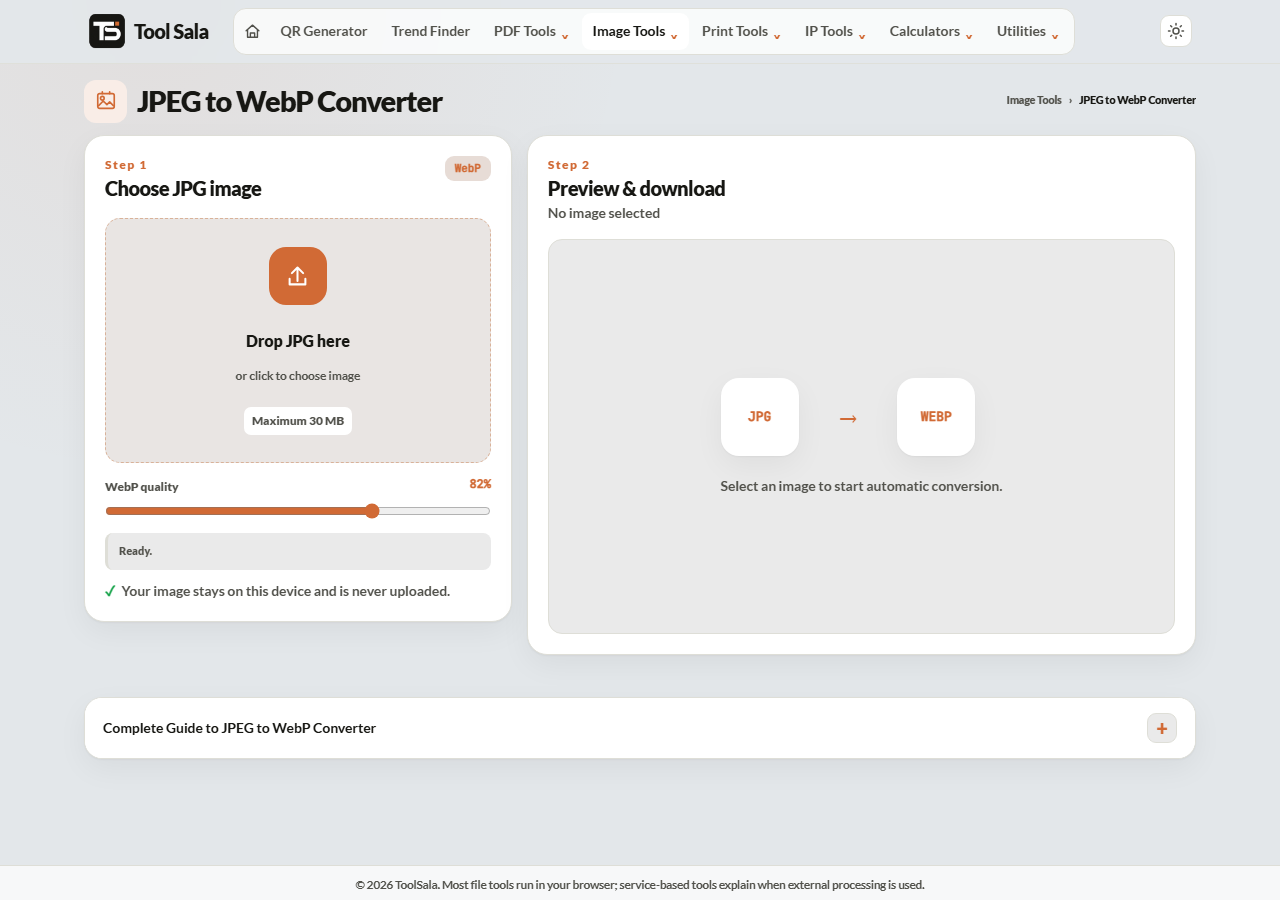
How to convert JPEG to WebP
- Drop your JPG or JPEG file onto the upload area.
- Set the quality slider — anywhere from 40 to 100.
- Download the WebP file.
- Use Choose another to convert the next image.
Picking the quality
- 85–100 — indistinguishable from the original. Use for hero images and product photography.
- 70–85 — the sweet spot for most website images. Big savings, no visible loss.
- 40–60 — aggressive. Fine for thumbnails and background images that nobody inspects closely.
WebP holds up better at low quality than JPEG does. Where a JPEG at 50 looks blocky, a WebP at 50 is usually still acceptable.
Why WebP is smaller
WebP uses more modern compression than JPEG, which was designed in the early 1990s. It predicts blocks of pixels more intelligently, so it needs fewer bytes to describe the same picture. It also supports transparency and animation, which JPEG cannot do at all.
Every current browser supports it. The places that still refuse WebP are upload portals, older desktop software and some print shops — so keep a JPEG copy of anything you might need to submit somewhere.
JPEG to WebP FAQs
Is this converter free?
Yes. No signup, no watermark, and no limit on conversions.
Is my photo uploaded to a server?
No. The conversion runs in your browser on your own device.
How much smaller will the file be?
Usually 25–35% smaller than the JPEG at the same visible quality, and more if you lower the quality slider.
Will WebP work everywhere?
In browsers, yes. Some upload portals and older software still reject it, so keep the JPEG for those.
Can I convert back to JPG?
Yes, with the WebP to JPG converter — though each conversion loses a little quality, so avoid going back and forth.
Can I convert many photos at once?
This tool handles one at a time. For a batch, use the image compressor with WebP as the output format.
Related online tools
- Image Compressor — convert and compress many files at once.
- WebP to JPG — convert back when a portal demands JPG.
- PNG to WebP — for graphics and logos with transparency.
- Photo Editor — crop and resize before converting.
- All image tools — the full list.